

Updated: 2026
If your PC is out of storage or your phone freezes every time you try to launch a new app, don't worry. Playing Roblox is easier than ever thanks to cloud gaming, a technology that lets you dive into all your favorite minigames without installing a single file. Everything runs directly through your web browser.
Roblox isn't just a game; it's a massive platform packed with countless user-made creations. From RPGs and survival games to fast-paced shooters, the huge variety of genres guarantees there's something for everyone. However, accessing all this content traditionally requires downloading a hefty client onto your device.
For many gamers, dealing with download times and the constant updates for Roblox on systems like Windows, Android, or consoles like Xbox One can be a real headache. Plus, if you're on a slower internet connection or using a device with limited resources, installing the game demands patience and storage space you might not have to spare.
Fortunately, there's a way to bypass downloads entirely. Below, I'll walk you through the ultimate method to access your account and start playing instantly using the cloud.
Recommended Platforms: EasyFun.gg and now.gg
There are several platforms that let you emulate a mobile environment directly from the cloud. Two of the most reliable options right now are EasyFun.gg and now.gg. Both services act as virtual servers that process the game remotely and send you an interactive video feed. They offer free basic access and full cross-platform compatibility, meaning you can use them on your phone, tablet, or computer regardless of the operating system.
How to play Roblox online step by step
If you want to jump into your favorite worlds without sitting through endless installation screens, playing from your browser is your best bet. Here are the exact steps to do it:
- Open your web browser and visit a trusted cloud gaming platform like EasyFun.gg or now.gg.
- Search for Roblox in their game library or go directly to the official app page on the site.
- Click on the main button that says "Play in Browser".
- After a few brief moments of loading, the game environment will launch directly in your web browser tab.
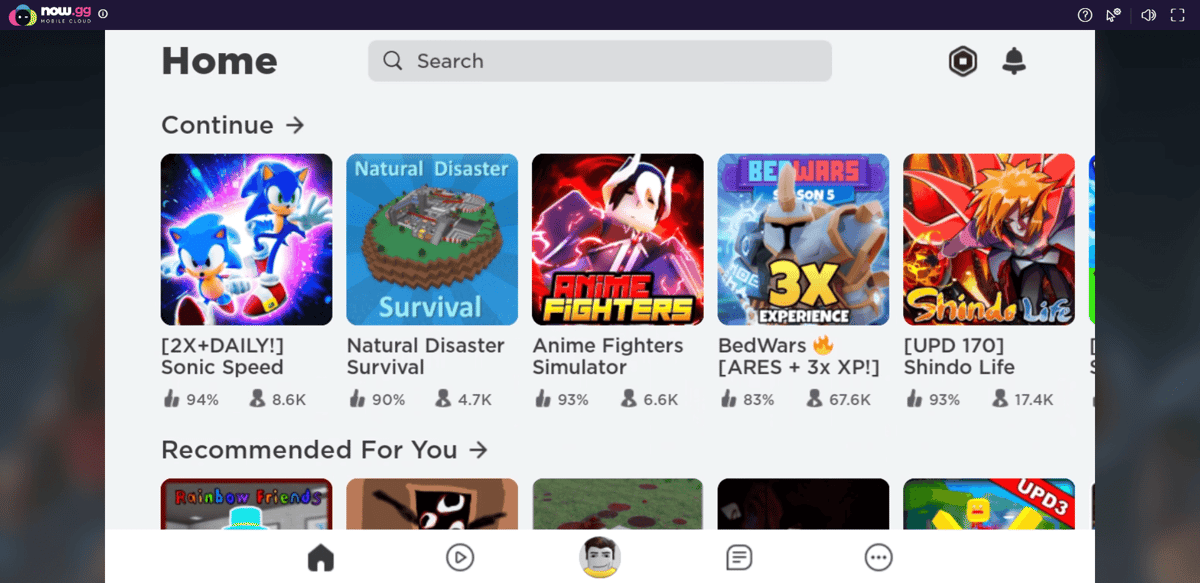
- Log in with your standard Roblox account credentials to access your avatar, Robux, and saved progress.
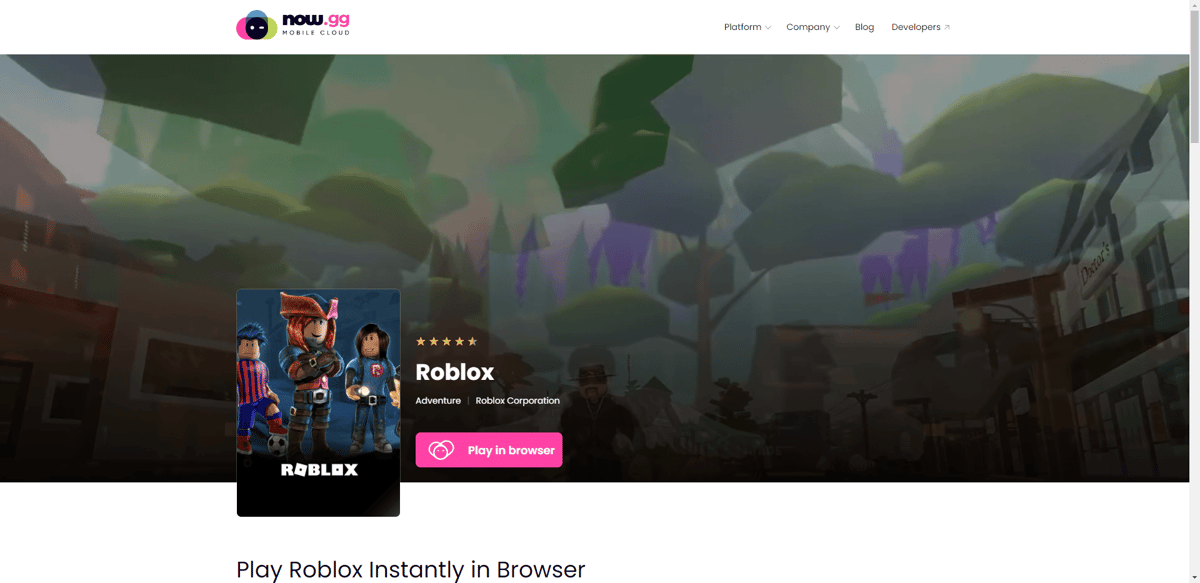
It's that simple. In just a few quick steps, you're inside the main platform. The best part is that your account syncs up immediately, keeping all your settings, past purchases, and favorited worlds completely intact.
Minimum requirements for lag-free gaming
Even though you don't need a powerful graphics card, cloud gaming does require specific conditions to run smoothly:
- Internet Connection: A stable Wi-Fi, Ethernet, or 4G/5G network is essential, preferably with a download speed of at least 10 Mbps.
- Web Browser: Make sure you are using an updated version of Google Chrome, Safari, Firefox, or Microsoft Edge.
- Device: Any smartphone, tablet, Chromebook, or basic office PC will work, as long as it can run a modern browser.
Troubleshooting common issues
If you experience hiccups while playing on the cloud, here is how to fix them:
- Input Delay (Lag): If your character takes too long to jump after you press the button, move closer to your Wi-Fi router or use an Ethernet cable. Closing other browser tabs also frees up crucial bandwidth.
- Session Disconnected: Cloud platforms typically have inactivity timers. If you leave the game idle for too long, you will be disconnected to free up server space. Just refresh the page to start over.
- Login Errors: Because the cloud server connects from an IP address different from yours, Roblox's security systems might prompt you for a 2-step verification code. Have your email handy.
Playing Roblox on Chromebooks or low-end PCs
The biggest advantage of cloud gaming is that it democratizes access to games. If you're using a smartphone with low memory, you won't have to delete important photos or uninstall other apps just to make room for constant Roblox updates. The heavy lifting is all handled by remote servers.
Cloud services are incredibly useful for getting around local restrictions, too. If you're on a computer where game downloads and executables are blocked by the administrator—like on school laptops or computers—you can log in without a hitch because the system simply registers it as standard web browsing.
Ready to jump into your favorite game without downloads? 👉 Play Roblox for free on EasyFun.gg 👉 Start playing on now.gg
0
0
Create your account and play OLA TCG Battle
You get 34 free credits — enough for 6 packs or 34 battles. No deposit.
Sign up and playEtiquetas


