Projeto Grau 2: Insanity Group's hit reaches #1 in Brazil and how to play it on PC


Hey everyone. Projeto Grau 2, the highly anticipated motorcycle simulator by Insanity Group, officially launched on October 1st, 2026, and has already skyrocketed to the #1 Top Free app spot in Brazil. If you've been wondering what the hype is all about or how to play it on your computer, here at olagg.io we've got you covered.
The game has completely won the community over with its deep dive into motorcycle and "grau" (stunt/wheelie) culture. Unlike simple racing games, it drops you into a massive open city with dynamic freedom.
Open city exploration and mechanics
The core loop of Projeto Grau 2 isn't just about going fast. It’s an urban simulator where you interact with a living environment. Players can ride various bikes, navigate through busy avenues, and dodge dynamic traffic.
A standout feature is the day and night cycle, which adds a heavy layer of realism to your rides. This level of immersion, paired with authentic urban environments, is exactly why Brazilian streamers and content creators have pushed it to the top of the App Store charts so quickly.
Create your account and play OLA TCG Battle
You get 34 free credits — enough for 6 packs or 34 battles. No deposit.
Sign up and play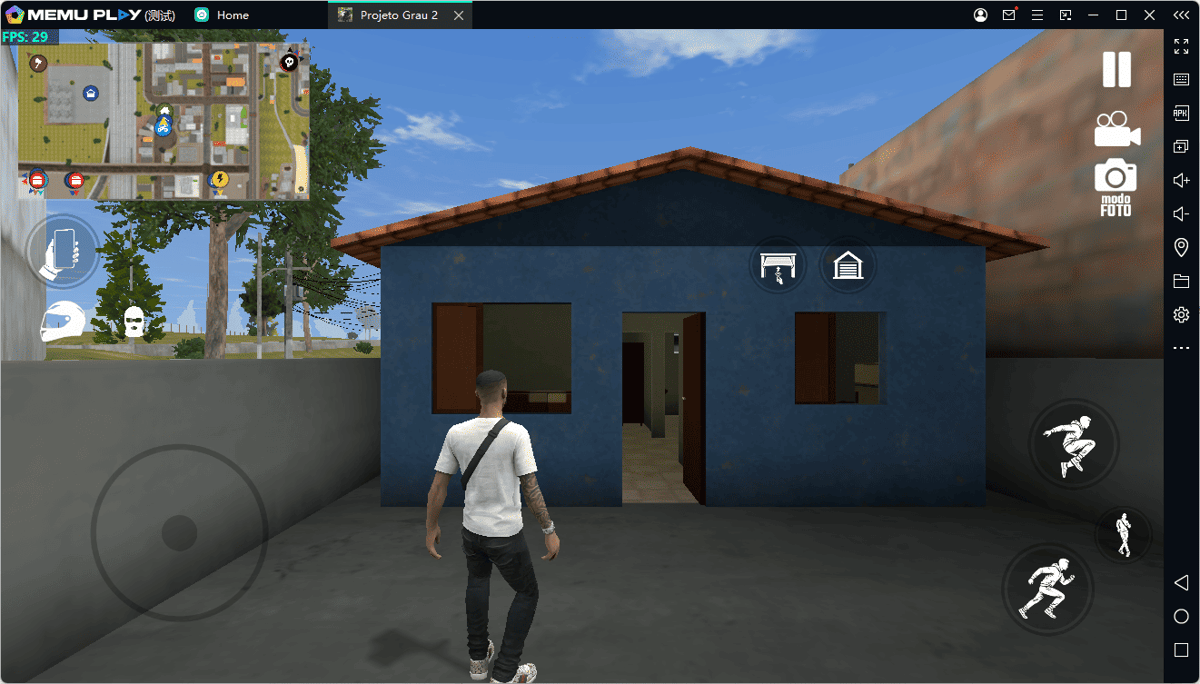
Garage customization and city jobs
Your bike is your identity in this game. The garage system in Projeto Grau 2 is getting a lot of praise because it lets you tweak both visual and functional parts of your motorcycles. From swapping out tires to applying custom paint jobs, you can fine-tune every detail to reflect your personal style.
Beyond free-roaming, the city offers daily jobs and activities. This gives the game a solid sense of progression—you're earning your upgrades through gameplay while mastering your stunts across the map.
How to play Projeto Grau 2 on PC
Since PC setup guides are highly requested by the community, playing Projeto Grau 2 on a larger screen is entirely possible via Android emulators. According to the official game listings on MEmu Play and LDPlayer, here are the exact steps to get it running smoothly:
- Download an emulator: Visit the official website of LDPlayer or MEmu Play and install the latest Android 9 or 11 instance on your PC for the best compatibility.
- Optimize your settings: Before launching the game, open the emulator settings and allocate at least 4GB of RAM and 4 CPU cores to ensure smooth framerates while navigating the open world.
- Sign in: Open the emulator and log into your Google Play account.
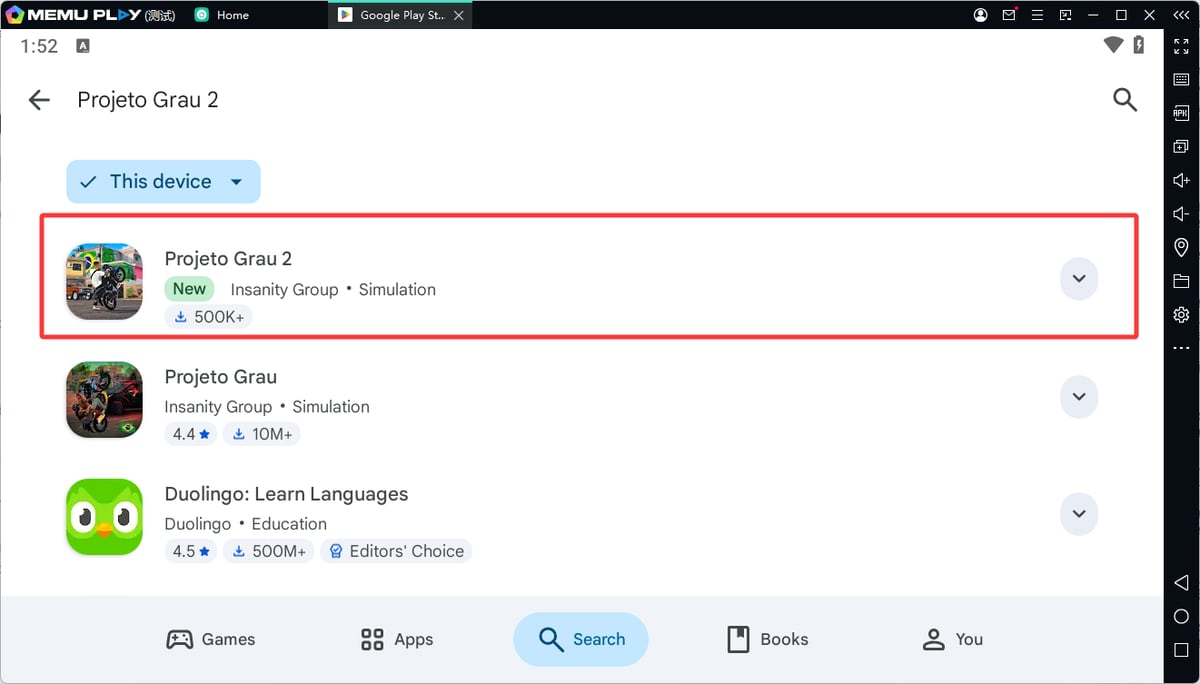
- Search and Install: Type "Projeto Grau 2" into the store's search bar and hit install.
- Map your controls: Once downloaded, use the emulator's keymapping tool. We strongly recommend binding your throttle, brakes, and steering to easily accessible keys on your keyboard, or connecting a controller for better precision when pulling off stunts.
Playing on PC gives you better framerates and much more precise control when holding a long wheelie. If you decide to give it a spin, jump into our Discord and show off a screenshot of your custom bike build!
0
0
Etiquetas


