
'/%3e%3cpath%20d='M4.94162%205.99547L4.02701%205.08086L3.63428%205.47359L4.94162%206.78093L7.63768%204.08487L7.24495%203.69214L4.94162%205.99547Z'%20fill='white'/%3e%3cdefs%3e%3clinearGradient%20id='paint0_linear_2302_10195'%20x1='0.5'%20y1='10'%20x2='10.4939'%20y2='10'%20gradientUnits='userSpaceOnUse'%3e%3cstop%20stop-color='%234E10FF'/%3e%3cstop%20offset='1'%20stop-color='%23AB17DF'/%3e%3c/linearGradient%3e%3c/defs%3e%3c/svg%3e)
Has it happened to you that you try to enter your favorite game and find out that Roblox is not working? It is a very frustrating situation that interrupts any player's fun.
Fortunately, most Roblox errors have a quick fix that you can apply yourself. In this practical guide, we explain step by step how to solve the most common connection problems and leave you a quick dictionary with all the codes.
Is Roblox not working? The first step is to check the servers
Before modifying any settings on your device, you must confirm if the problem is yours or the platform's. Many times, Roblox is not working simply because its servers are experiencing downtime due to maintenance or general failures.
To check this, visit the official page "status.roblox.com" or look for reports from other users on social networks. If the servers are failing, the only solution is to have a little patience and wait for the developers to resolve the situation.
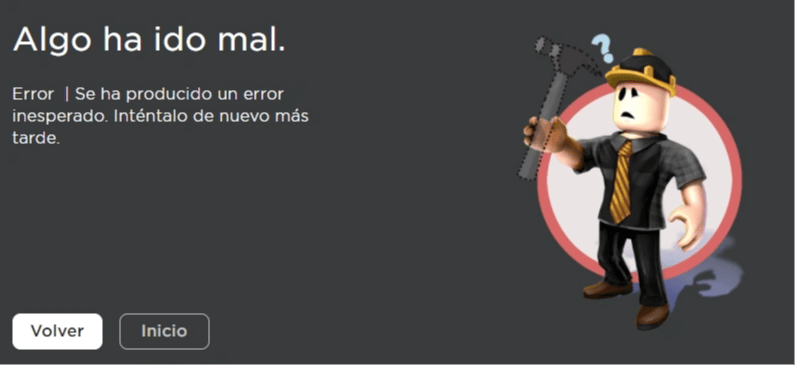
Solving the most searched Roblox errors
If the servers are operating normally, the problem most likely lies with your device or your internet network. Below, we review the main failures and how to fix them quickly.
Solution for Error 277 (Lost connection)
This is one of the most annoying and frequent Roblox errors. It means that your internet connection was interrupted abruptly or is too unstable to maintain the game.
To solve it, we recommend completely restarting your internet router. You can also try connecting via an Ethernet cable instead of using a Wi-Fi network to ensure greater stability during the game.
Your OLA account is worth prizes
Play the Claw, hunt the treasure and redeem in the Store. Creating an account is free.
Create my account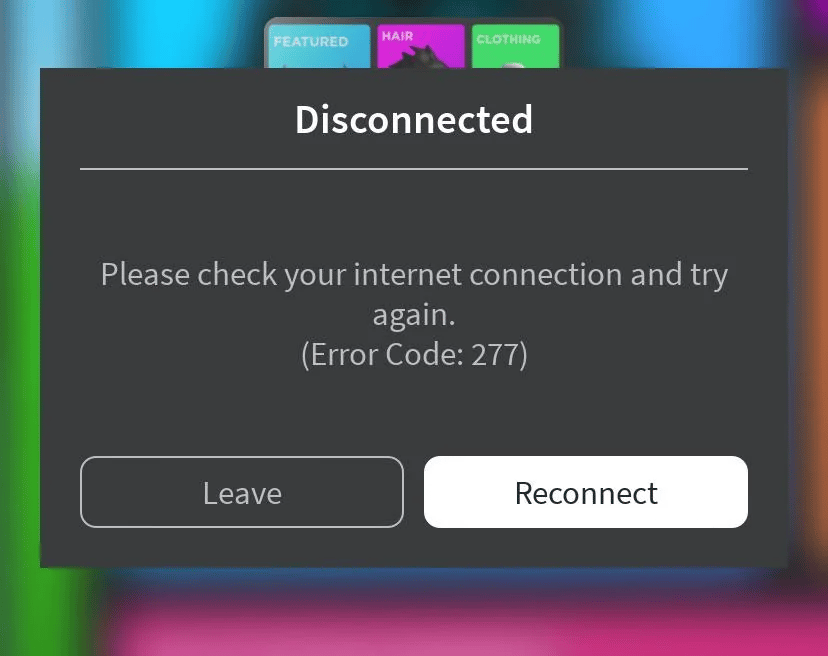
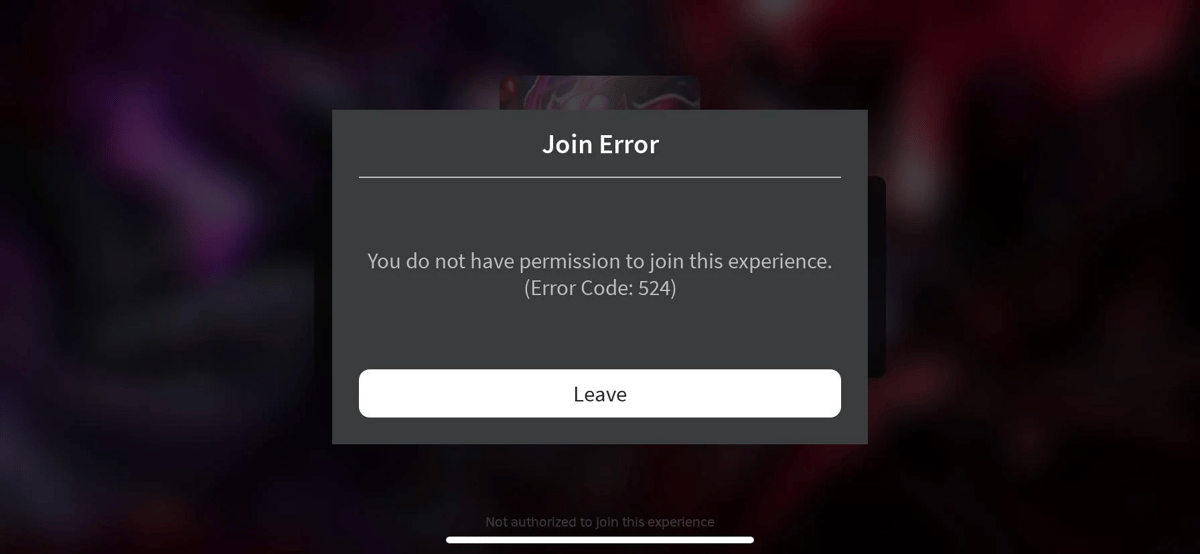
Solution for Error 524 (Not authorized)
If this message appears, it means you do not have the necessary permission to enter that game. It usually occurs when trying to enter VIP servers or private games.
The solution is to ask the VIP server administrator for a direct invitation. If the game is public and you keep seeing this error, check that your account does not have age restrictions enabled in the privacy settings.
Quick dictionary: What do the other Roblox errors mean?
If you stumbled upon a different number on your screen, don't worry. Here is the complete list of codes organized by category so you know exactly what is failing:
Network and update issues
- Error 6 and 17: Connection blocks, generally caused by your firewall or antivirus.
- Error 103: Privacy settings restriction (very common when playing on consoles).
- Error 142 and 148: Your game client or the overall server is outdated.
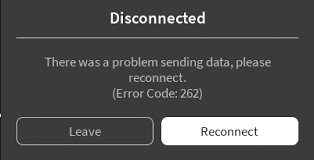
- Error 260, 261, and 262: The game is not receiving data from the server. Check your internet.
- Error 264: Someone tried to play on your same account from another device.
- Error 266: Connection timed out (your internet is running too slow).
Kicks and security
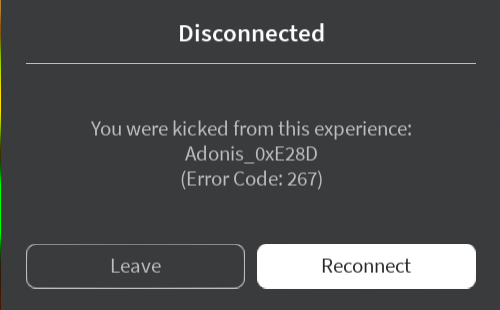
- Error 267: You were kicked from the game by an administrator or a game script.
- Error 268 and 272: The system detected unusual behavior or an external program.
- Error 271 and 273: Automatic disconnection or a pending warning on your account.
- Error 278: Kicked for inactivity (being idle for 20 minutes).
Internal platform failures
- Error 256, 274, and 275: The server you are trying to enter was closed or shut down.
- Error 279 and 280: Network port failure or game version error.
- Error 400, 403, and 404: Access denied, broken link, or account temporarily banned.
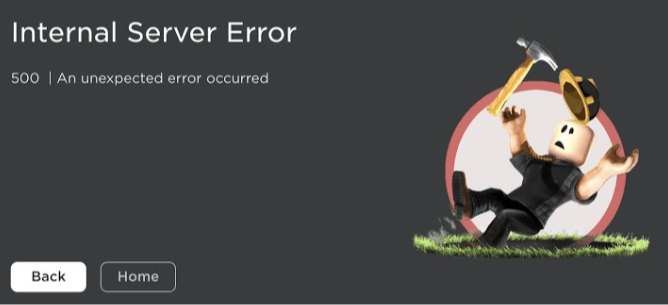
- Error 500, 504, and 522: Internal errors directly on the Roblox servers.
- Error 517: Your login failed because the server is shutting down.
- Error 523: The private server you are trying to enter is closed.
- Error 529: Service down due to general technical problems.
- Error 589 and 610: Failed to create a game or abrupt disconnection.
Teleportation failures
- Error 769, 770, 771, 772, and 773: This entire series indicates failures when trying to travel from one experience to another within the same platform.
Key steps if connection errors persist
If you have already checked the list and Roblox is not working despite having good internet, apply these simple steps to clean your game client:
- Clear the cache: On your PC, press the Windows + R keys, type "%localappdata%\Roblox", and delete the folder. This will erase corrupted files.
- Reinstall the client: Uninstall the game from the control panel. Then, download the latest version again from the official page.
- Disable your VPN: The platform automatically blocks many connections that use virtual private networks. Turn them off before playing.

With this list in hand, you will be ready to solve almost any connection problem in a matter of minutes.
If you are looking for extra help or someone to play with, join the largest community in LATAM
8
0
Other news you might be interested in
Etiquetas


