
'/%3e%3cpath%20d='M4.94162%205.99547L4.02701%205.08086L3.63428%205.47359L4.94162%206.78093L7.63768%204.08487L7.24495%203.69214L4.94162%205.99547Z'%20fill='white'/%3e%3cdefs%3e%3clinearGradient%20id='paint0_linear_2302_10195'%20x1='0.5'%20y1='10'%20x2='10.4939'%20y2='10'%20gradientUnits='userSpaceOnUse'%3e%3cstop%20stop-color='%234E10FF'/%3e%3cstop%20offset='1'%20stop-color='%23AB17DF'/%3e%3c/linearGradient%3e%3c/defs%3e%3c/svg%3e)
Forza Horizon 6 delivers one of the biggest graphical upgrades in the franchise. The new Japan-inspired map, dynamic weather changes, improved lighting, and increased density of vehicles and environments make the game significantly more demanding than previous entries, especially on PC.
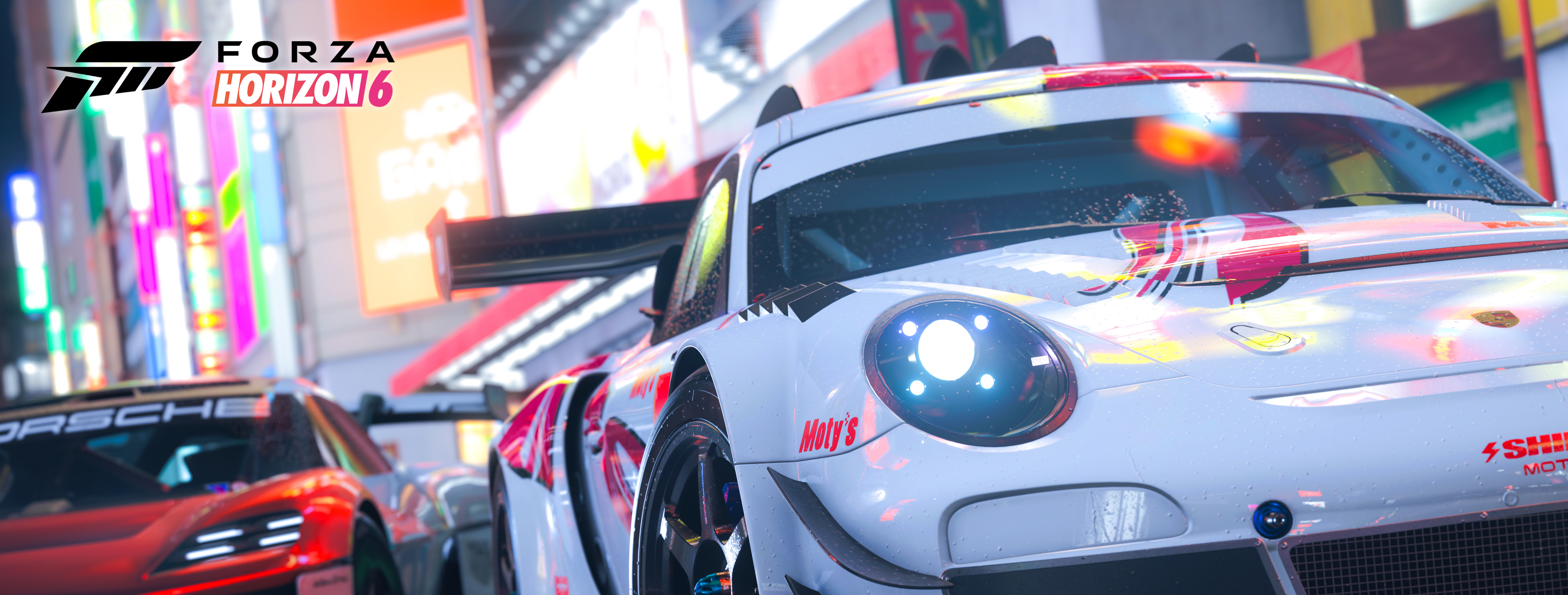
Graphics settings can make a major difference between a smooth gameplay experience and constant FPS drops. Properly adjusting certain options is essential to achieve the right balance between visual quality, stability, and performance.

How demanding is Forza Horizon 6?
From a technical standpoint, Forza Horizon 6 takes advantage of modern technologies such as ray tracing, intelligent upscaling, and SSD loading improvements. The game also features more detailed environments, denser vegetation, and cities with a higher number of simultaneous objects on screen.
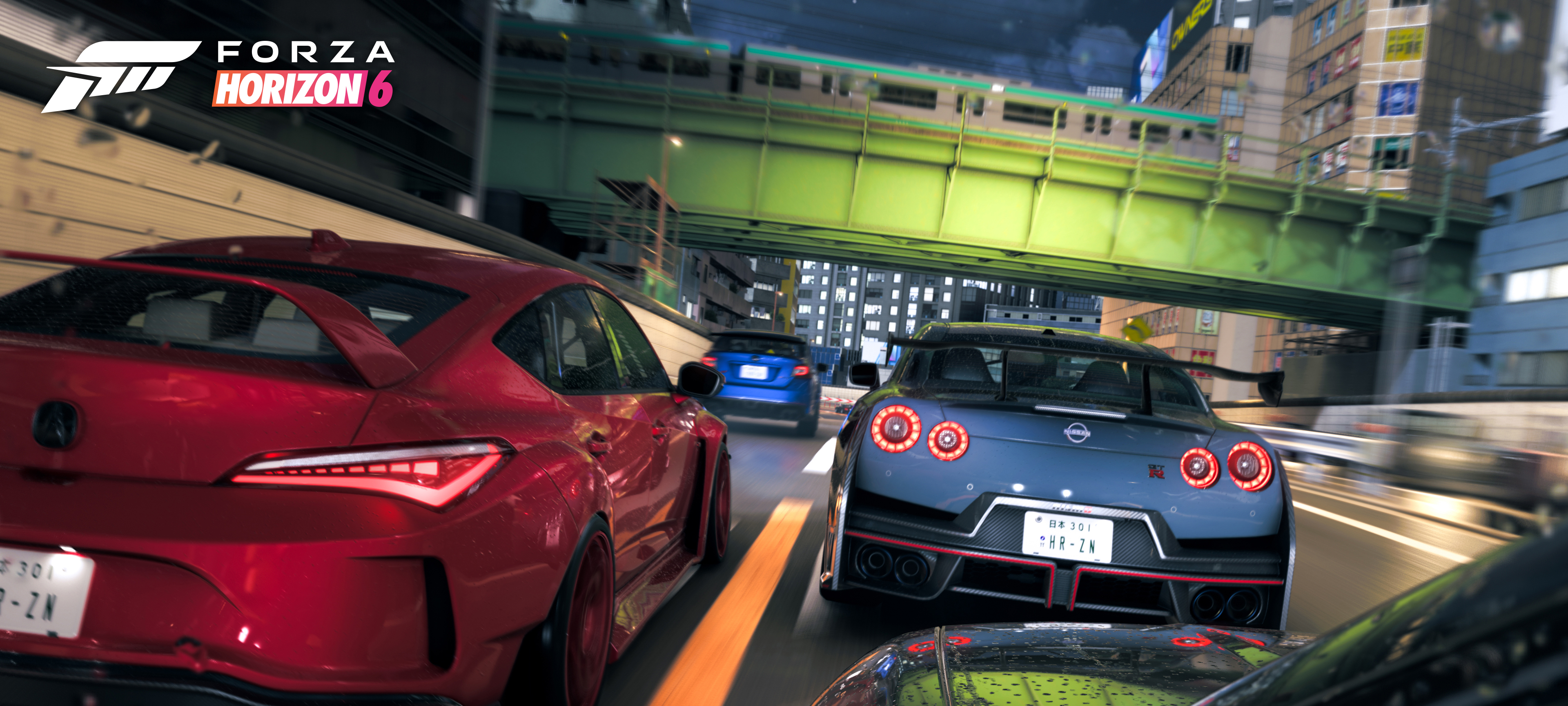
On PC, the title requires an SSD and can take up nearly 160 GB of storage space. Additionally, some graphical effects have a significant impact on performance, even on powerful systems.
Settings that consume the most resources
- Ray Tracing
- Advanced Shadows
- Reflections
- Dynamic Weather
- Vegetation
- Render Distance
Reducing only these settings can lead to major FPS improvements without heavily affecting the overall visual quality.
Best settings for stable FPS and visual quality
The most balanced setup for most players aims to maintain a clean and detailed image without pushing hardware to its limits. This is especially useful for 1080p and 1440p monitors.

Competitive settings: higher FPS and lower latency
Players who compete online or use high refresh rate monitors usually prioritize performance over visual effects.
In these situations, lowering shadows, reflections, and weather effects can create a much more stable experience, especially during races with many players.
Recommended competitive settings
- Disable V-Sync
- Lower reflections
- Disable Motion Blur
- Use DLSS, FSR, or XeSS
- Prioritize stability over Ultra settings

Recommended settings based on your PC
Low-end PCs
Systems with GTX 1650, RX 580, or older Ryzen 5 processors can still run the game properly with adjusted settings.
- 1080p Resolution
- Medium Overall Quality
- Ray Tracing Disabled
- Dynamic Scaling Enabled
Approximate target: 60 FPS

Mid-range PCs
Hardware such as RTX 3060, RX 6700 XT, or Intel i5-12400 processors allows higher resolutions without major sacrifices.
- 1440p Resolution
- High Quality Preset
- DLSS or FSR Enabled
- Medium Reflections
- Medium-High Shadows
Approximate target: 90 FPS
High-end PCs
Graphics cards such as RTX 4080 or RX 7900 XTX can take full advantage of the game's advanced visual technologies.
- 4K Resolution
- Ultra Preset
- High Ray Tracing
- Unlocked FPS
Approximate target: 120 FPS

DLSS, FSR, and XeSS: which option should you use?
Forza Horizon 6 supports intelligent upscaling technologies that improve performance without heavily sacrificing image quality.
- NVIDIA DLSS: best balance between sharpness and FPS.
- AMD FSR: compatible with more graphics cards.
- Intel XeSS: useful on supported modern GPUs.
Common problems and how to fix them
Stuttering and micro-freezes
- Update GPU drivers
- Limit FPS
- Disable overlays
- Rebuild shaders
- Verify game files
Urban areas in the Japanese map are the most demanding sections of the game due to lighting, reflections, traffic, and the density of simultaneous objects.
Lowering shadows and reflections is usually enough to improve stability in these areas without significantly affecting visual quality.
1
0
NEWSLETTER
Subscribe!
And find out the latest news


