Starfield en PS5: comparativa gráfica, rendimiento y funciones del DualSense

'/%3e%3cpath%20d='M4.94162%205.99547L4.02701%205.08086L3.63428%205.47359L4.94162%206.78093L7.63768%204.08487L7.24495%203.69214L4.94162%205.99547Z'%20fill='white'/%3e%3cdefs%3e%3clinearGradient%20id='paint0_linear_2302_10195'%20x1='0.5'%20y1='10'%20x2='10.4939'%20y2='10'%20gradientUnits='userSpaceOnUse'%3e%3cstop%20stop-color='%234E10FF'/%3e%3cstop%20offset='1'%20stop-color='%23AB17DF'/%3e%3c/linearGradient%3e%3c/defs%3e%3c/svg%3e)
El lanzamiento de Starfield en PlayStation 5 el 7 de abril de 2026 marcó su llegada a la consola de Sony tras un periodo de exclusividad en Xbox y PC. Esta versión incorpora contenido adicional acumulado, ajustes técnicos y una integración completa con el mando DualSense.
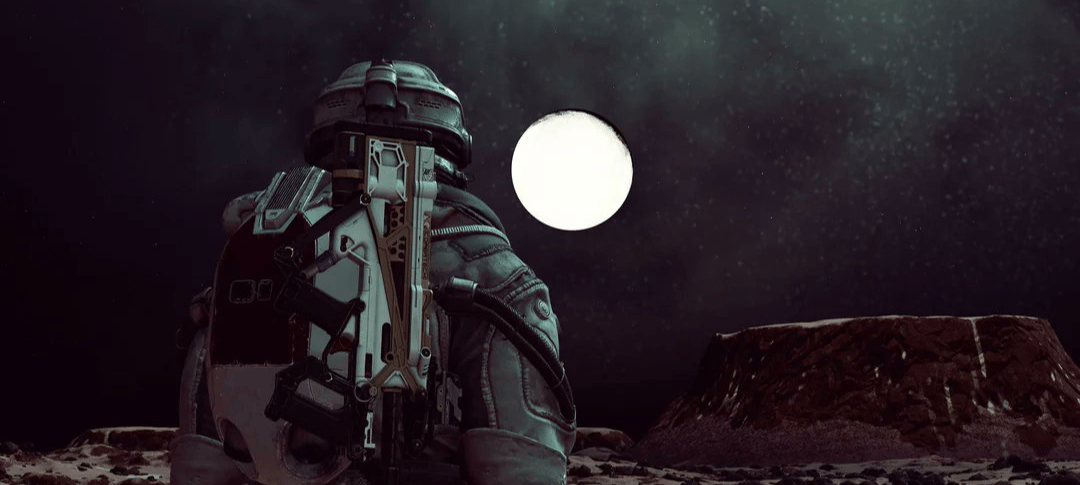
El siguiente análisis explica cómo se comporta el juego a nivel gráfico en PS5 y de qué manera sus funciones específicas influyen en la experiencia de juego.
Qué incluye la versión de PS5
La edición para PS5 no se limita al juego base. Integra actualizaciones publicadas tras su lanzamiento original, junto con contenido adicional como expansiones narrativas y mejoras en sistemas de juego.
Uno de los aspectos técnicos más relevantes es la optimización para el SSD de la consola, que reduce significativamente los tiempos de carga durante la exploración espacial y los cambios entre escenarios.
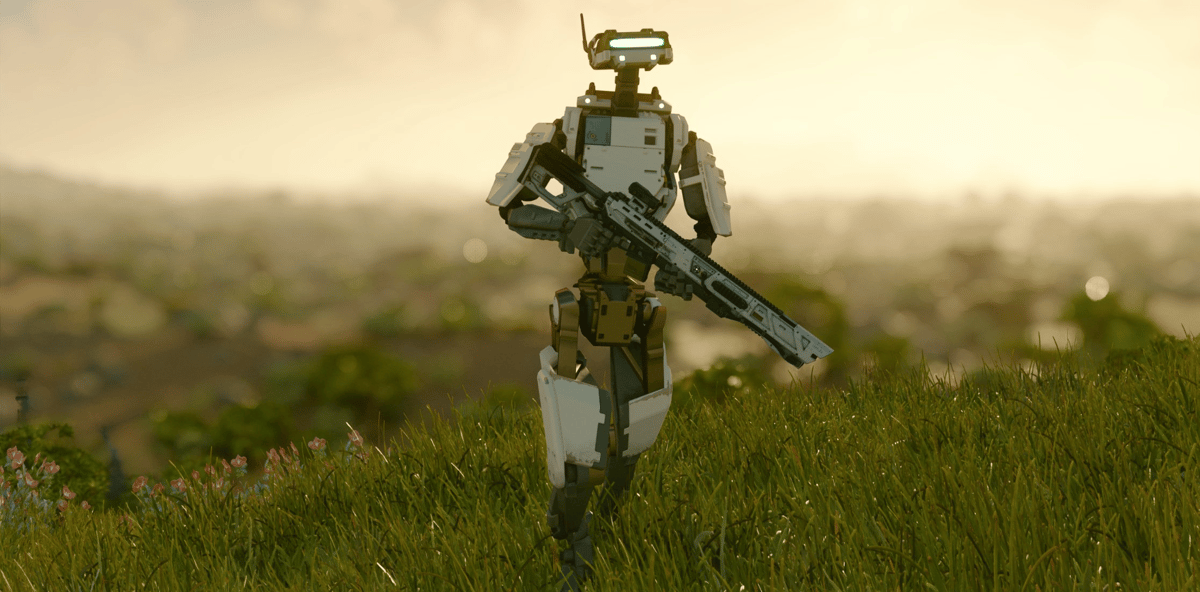
Además, esta versión fue diseñada para aprovechar las capacidades del mando DualSense, lo que introduce nuevas formas de interacción que no estaban presentes en otras plataformas.
Comparativa gráfica: calidad visual frente a rendimiento
Uno de los principales cambios en PS5 es la posibilidad de elegir entre distintos modos gráficos. Esta decisión impacta directamente en cómo se percibe el juego, especialmente en un título centrado en la exploración y el combate.
Modo calidad: prioridad en el detalle
El modo calidad está orientado a ofrecer la mayor fidelidad visual posible. Funciona en resolución 4K con una tasa de 30 fotogramas por segundo.
En este modo, se priorizan aspectos como:
- Iluminación más precisa
- Mayor nivel de detalle en entornos y personajes
- Texturas de mayor resolución
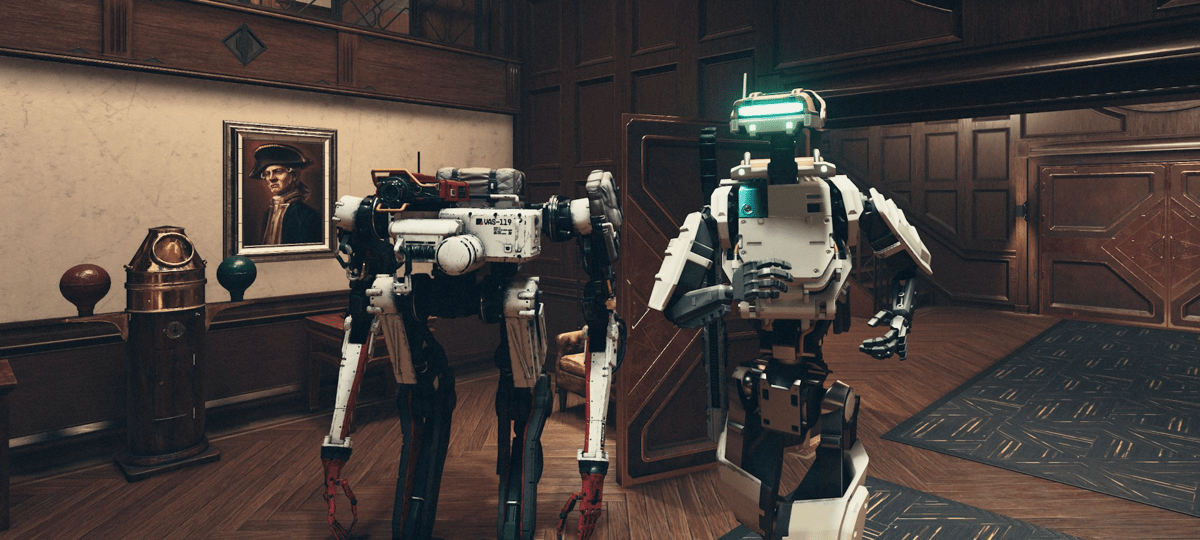
El resultado es una experiencia visual más estable y detallada, especialmente en escenarios amplios o durante la exploración planetaria.
Tu cuenta de OLA vale premios
Juega La Garra, busca el tesoro y canjea en la Tienda. Crear la cuenta es gratis.
Crear mi cuentaModo rendimiento: mayor fluidez
El modo rendimiento reduce la carga gráfica para mejorar la fluidez, alcanzando hasta 60 fotogramas por segundo mediante resolución dinámica o reescalada.
Este ajuste resulta especialmente útil en situaciones que requieren respuesta rápida, como combates o desplazamientos en nave, donde la estabilidad en la tasa de cuadros mejora la jugabilidad.
Diferencias en la experiencia
La elección entre ambos modos depende del tipo de experiencia que se busque:
- El modo calidad favorece la inmersión visual y el detalle del entorno.
- El modo rendimiento mejora la respuesta y la fluidez en acciones rápidas.
En versiones más avanzadas del hardware, como PS5 Pro, se han reportado mejoras adicionales en estabilidad y resolución, aunque estas dependen de la optimización del juego.
Estado técnico tras el lanzamiento
A pesar de las mejoras, la versión de PS5 ha presentado algunos problemas técnicos en su lanzamiento, como caídas de rendimiento y cierres inesperados.
El desarrollador, Bethesda Game Studios, ha indicado que estos problemas están identificados y en proceso de corrección mediante actualizaciones. Por esta razón, el rendimiento puede variar según la versión del juego instalada.
DualSense: cómo cambia la forma de jugar
El mando DualSense introduce elementos que afectan directamente la interacción con el juego, no solo a nivel estético, sino también funcional.
Sensación al disparar: gatillos adaptativos
Los gatillos adaptativos ajustan su resistencia dependiendo del arma utilizada. Esto permite diferenciar, por ejemplo, entre armas ligeras y armamento más pesado, generando una respuesta física distinta en cada caso.
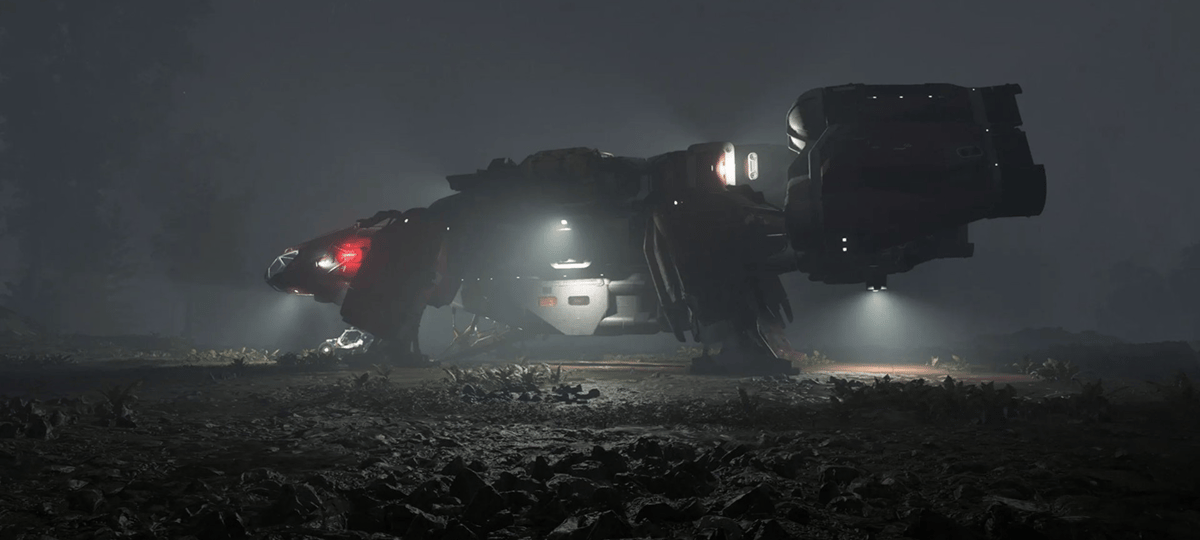
También se aplican durante el combate espacial, donde la presión del gatillo puede reflejar la potencia o el estado del armamento de la nave.
Vibración contextual: retroalimentación háptica
La vibración del mando no es uniforme, sino que varía según la acción.
Durante el juego, puede representar:
- Impactos en combate
- Despegues y aterrizajes
- Movimiento en el espacio
Este sistema busca trasladar al jugador información del entorno sin depender únicamente de elementos visuales.
Indicadores visuales en el mando
La barra luminosa del control cumple una función informativa. Puede cambiar de color según el estado del personaje o la nave, permitiendo monitorear condiciones como el nivel de salud sin necesidad de revisar la interfaz en pantalla.
Accesos rápidos con el panel táctil
El panel táctil facilita la navegación dentro del juego. Permite alternar entre primera y tercera persona o acceder rápidamente a funciones como el mapa y el escáner, reduciendo la necesidad de abrir menús.
Audio integrado
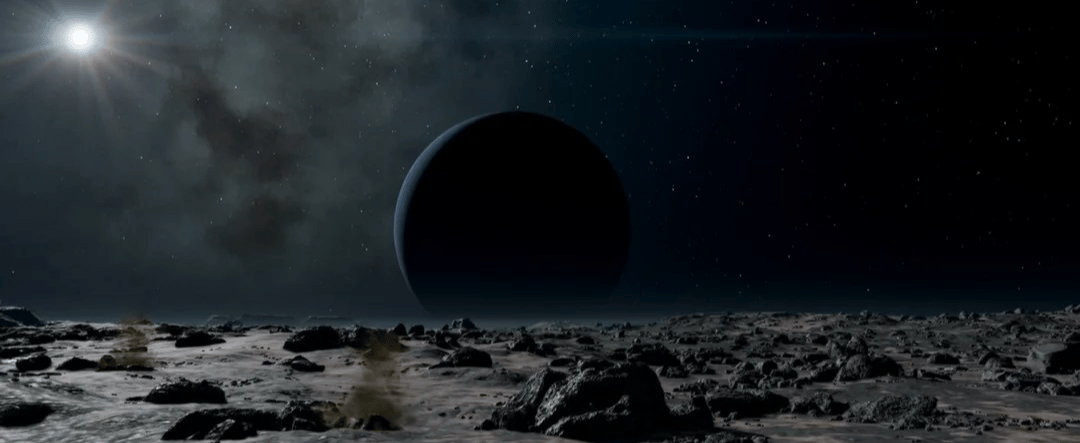
El altavoz del mando reproduce comunicaciones, registros de audio y otros elementos del juego. Esto añade una capa adicional de información sonora que complementa la experiencia general.
Uso práctico del DualSense durante la partida
El aprovechamiento de estas funciones depende de la forma en que el jugador interactúe con el sistema:
- En combate, la resistencia de los gatillos ayuda a identificar el tipo de arma sin mirar la interfaz.
- Durante la exploración, el panel táctil agiliza cambios de perspectiva.
- En el espacio, la vibración funciona como indicador de eventos o daños.
- La barra luminosa permite un seguimiento constante del estado del personaje.
Estas funciones están activadas por defecto, aunque pueden ajustarse desde el menú de configuración de la consola.

6
0
Otras novedades que podrían interesarte
Etiquetas


