
'/%3e%3cpath%20d='M4.94162%205.99547L4.02701%205.08086L3.63428%205.47359L4.94162%206.78093L7.63768%204.08487L7.24495%203.69214L4.94162%205.99547Z'%20fill='white'/%3e%3cdefs%3e%3clinearGradient%20id='paint0_linear_2302_10195'%20x1='0.5'%20y1='10'%20x2='10.4939'%20y2='10'%20gradientUnits='userSpaceOnUse'%3e%3cstop%20stop-color='%234E10FF'/%3e%3cstop%20offset='1'%20stop-color='%23AB17DF'/%3e%3c/linearGradient%3e%3c/defs%3e%3c/svg%3e)
Mods can change different aspects of Bodycam, from bot difficulty to visibility, field of view, and performance. Although the game does not officially support mods through Steam Workshop, there are several options available on Nexus Mods.
Below, we take a look at some of the best mods for Bodycam and what each one offers.
How to Install Bodycam Mods
Installation depends on each mod, as Bodycam does not officially support them. In general, files are downloaded from Nexus Mods and must be placed inside the game's local folder.
The fastest way to find it is to open Steam, right-click on Bodycam in your library, and select Manage > Browse Local Files.
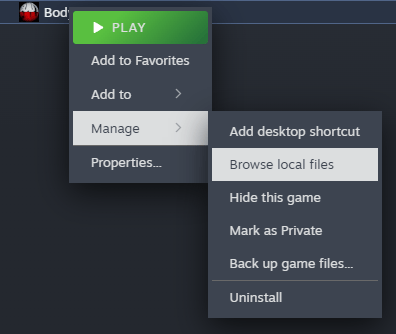
You can also manually access the location:
SteamLibrary > steamapps > common > Bodycam
Once there, the downloaded files can be copied according to the instructions provided by the mod creator. It is always recommended to follow the specific instructions listed on each Nexus Mods page.
Best Bodycam Mods
Extreme Bots Difficulty
The Extreme Bots Difficulty mod is designed for players looking for more challenging encounters against bots. Its goal is to improve the artificial intelligence behavior so that enemies act more like real players.
Create your account and play OLA TCG Battle
You get 34 free credits — enough for 6 packs or 34 battles. No deposit.
Sign up and play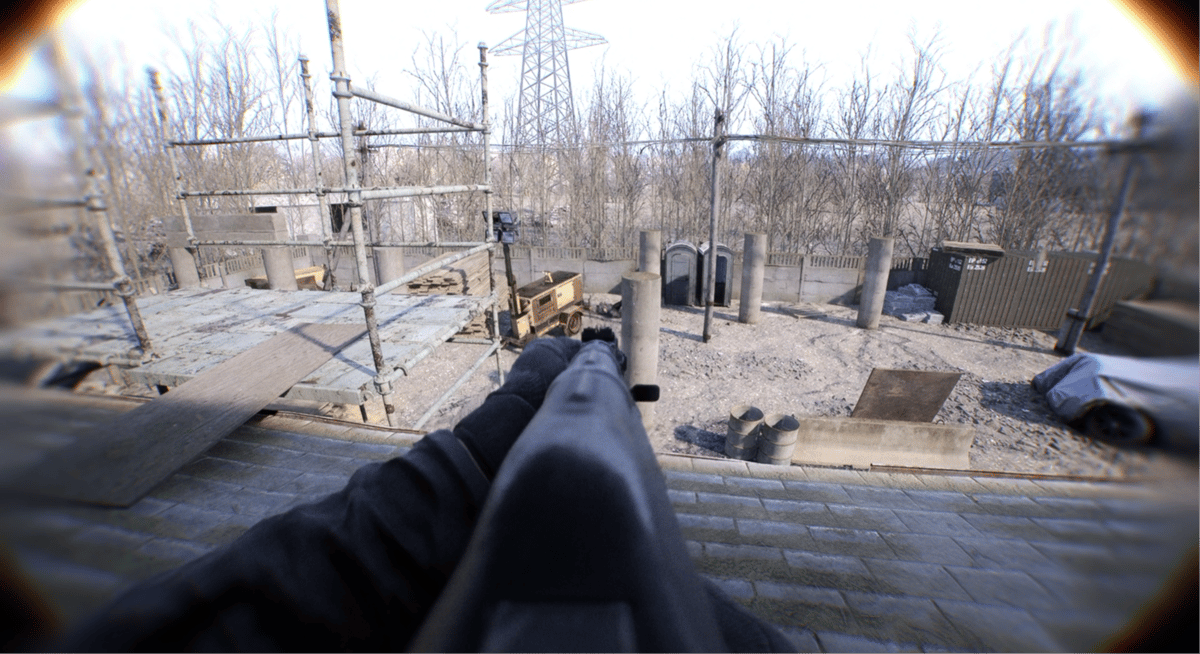
This increases the difficulty of matches when there are not enough players to fill a team and provides an alternative way to keep practicing against AI-controlled enemies.
Smart Gamma
Smart Gamma automatically adjusts Bodycam's gamma settings depending on the lighting in the environment.
When the player enters a dark area, the mod increases the gamma to improve visibility. In brighter areas, it makes the opposite adjustment.
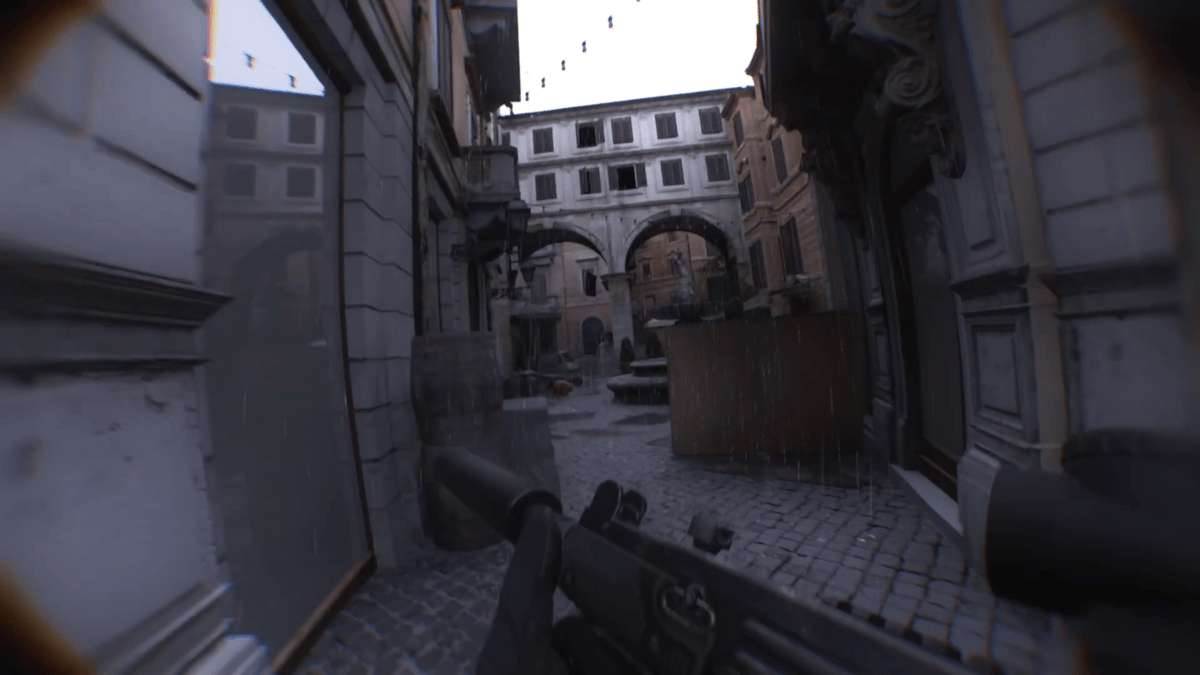
It is an option for players who have difficulty with the game's darker areas and want a clearer image without constantly changing the settings manually.
Found Footage
The Found Footage mod changes the appearance of Bodycam through a visual overlay designed to recreate the feeling of watching an old recording.
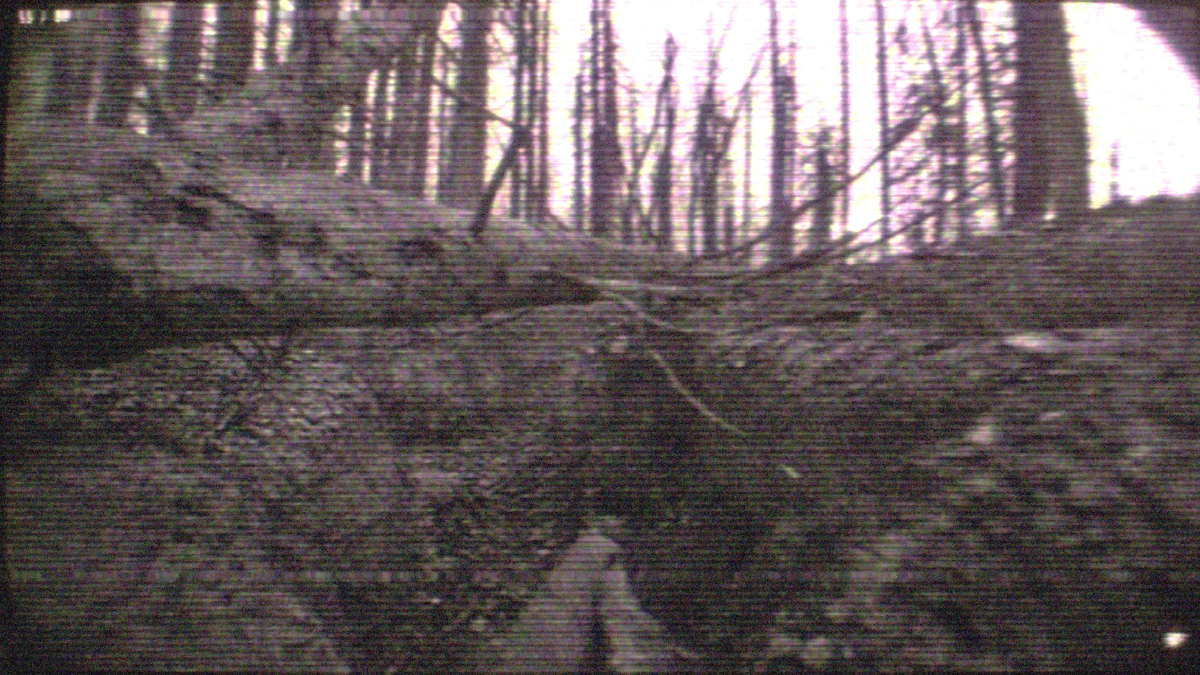
It does not change the main gameplay mechanics, but it can provide a different experience for players looking for a presentation that is closer to a bodycam recording.
BodycamFov
The field of view, or FOV, is an important part of any first-person shooter. BodycamFov allows players to increase the FOV beyond the options normally available in the game.
The mod allows it to be adjusted from 70 to 160 using keyboard shortcuts. During a match, F1 and F2 can be used to adjust the value, while F3 returns it to the default or saved setting.
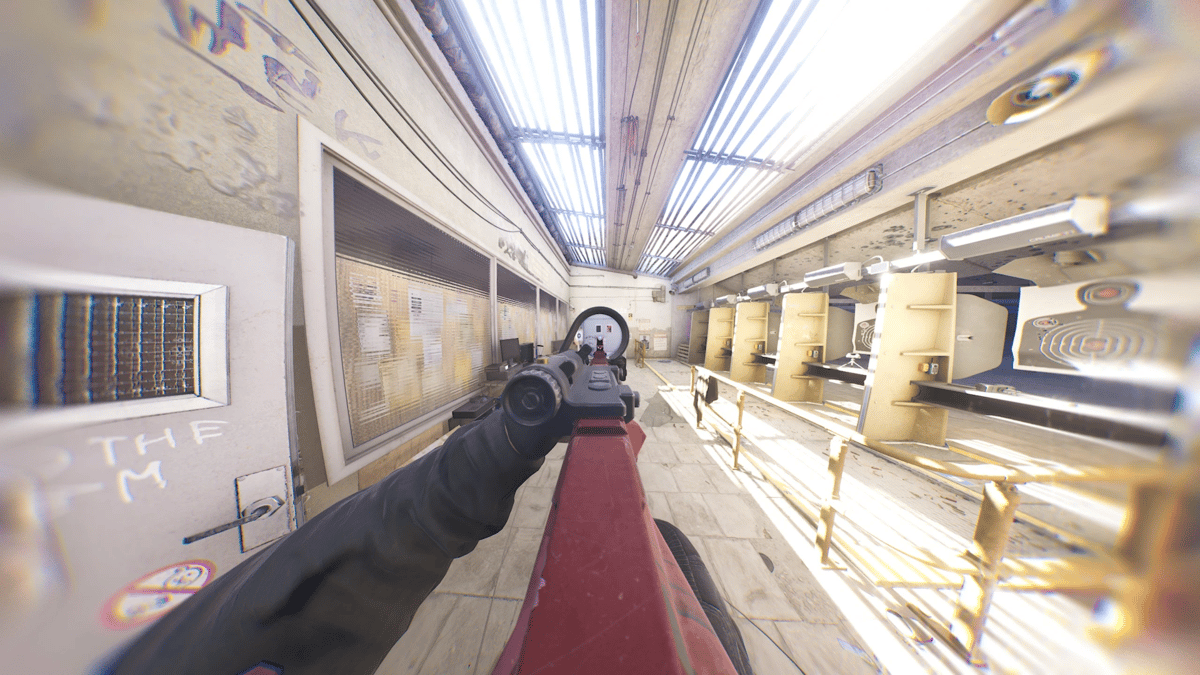
This provides more visual information on screen and allows players to adapt the field of view to their preferences.
Ultimate Engine Tweaks
Ultimate Engine Tweaks focuses on improving the overall performance of Bodycam. The mod aims to reduce stuttering, improve stability, decrease input latency, and provide clearer visuals.
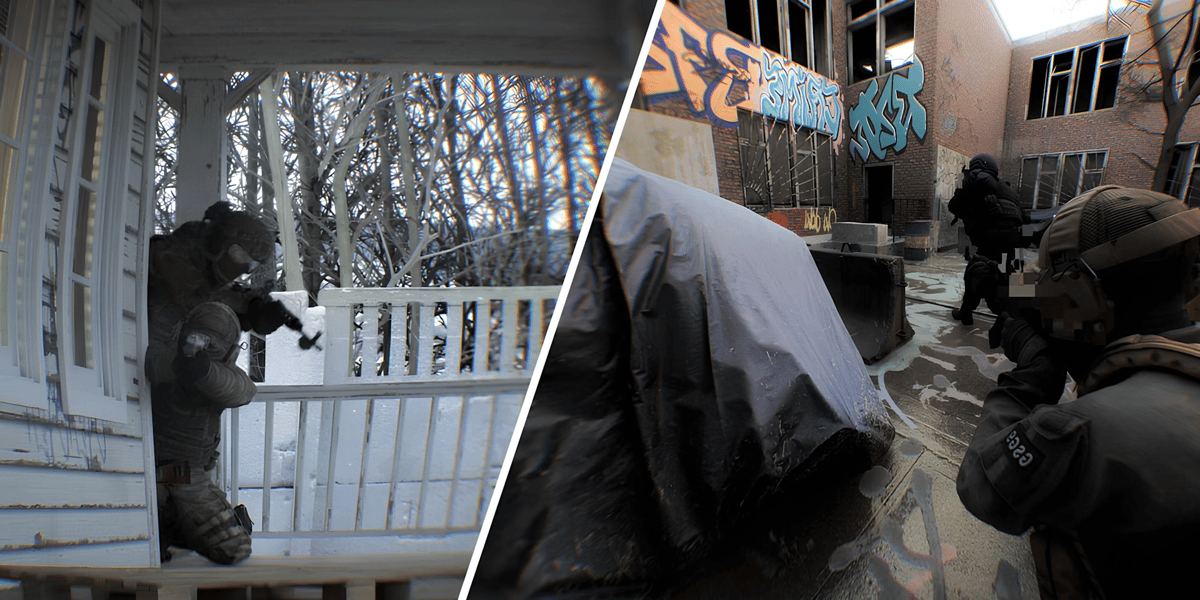
It can be an option for players who have already adjusted the game's graphics settings but still experience performance issues. Results may vary depending on the hardware and configuration being used.
Mods to Adapt Bodycam to Each Player
These modifications allow players to change different aspects of Bodycam without necessarily altering its core gameplay. From more challenging artificial intelligence to visibility, FOV, and performance adjustments, each mod is designed for a different need.
Since they are not part of Steam Workshop, it is important to check the installation instructions and compatibility of each modification before adding it to the game.
0
0
Other news you might be interested in
Etiquetas


