
'/%3e%3cpath%20d='M4.94162%205.99547L4.02701%205.08086L3.63428%205.47359L4.94162%206.78093L7.63768%204.08487L7.24495%203.69214L4.94162%205.99547Z'%20fill='white'/%3e%3cdefs%3e%3clinearGradient%20id='paint0_linear_2302_10195'%20x1='0.5'%20y1='10'%20x2='10.4939'%20y2='10'%20gradientUnits='userSpaceOnUse'%3e%3cstop%20stop-color='%234E10FF'/%3e%3cstop%20offset='1'%20stop-color='%23AB17DF'/%3e%3c/linearGradient%3e%3c/defs%3e%3c/svg%3e)
Is your phone running out of space or does your PC freeze just by opening the browser? The solution to keep competing in Garena's Battle Royale isn't buying a new device, but rather playing Free Fire online without downloading absolutely anything.
Thanks to CloudMoon technology, now you can jump into Bermuda or Purgatory in a matter of seconds, without heavy installations and with high-end device performance, directly from your web browser.
CloudMoon: The "Netflix" of Mobile Games
CloudMoon works via streaming. The game runs on powerful remote servers and you receive the image in real-time. This eliminates the need for a powerful graphics card or gigabytes of free storage.
How to start playing in 3 steps:
- Access the official link for Free Fire on CloudMoon.
- Click the "Play Instantly" button.
- Log in with your linked account (Google, Facebook, or VK) and you will be in the lobby.
Your OLA account is worth prizes
Play the Claw, hunt the treasure and redeem in the Store. Creating an account is free.
Create my account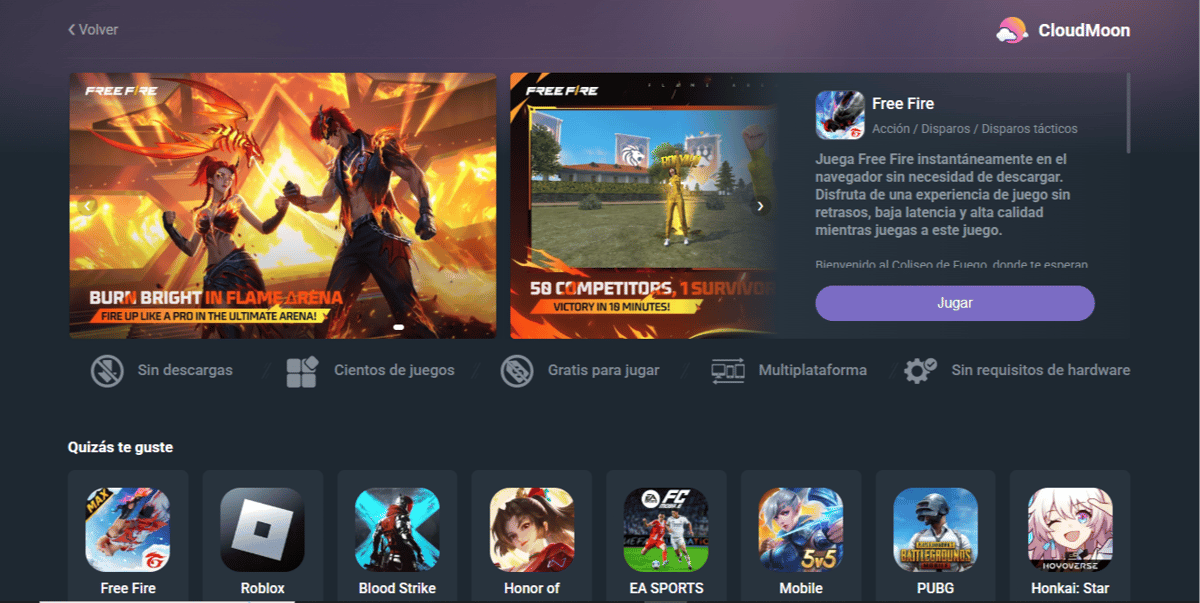
Advantages of Playing in the Cloud
Unlike traditional emulators that consume a lot of RAM memory, playing in the cloud offers total freedom:
- Instant Access: Forget about waiting for update patches to download every new season. On CloudMoon, the game is always updated.
- Multi-device: You can start a match on your work or school PC and finish it on your tablet, keeping your progress intact.
- Security and Privacy: By not installing software, you leave no residual files on shared computers.
| Feature | Traditional Emulator | CloudMoon (Cloud) |
|---|---|---|
| Installation | Requires download and heavy setup. | None. Click and play. |
| PC Resources | Consumes a lot of RAM and CPU. | Minimal consumption (like watching a video). |
| Updates | You must update the game manually. | Always updated. |
| Ideal for | Gamer PCs and Hardcore competitive play. | Slow PCs, Laptops, and casual play. |
Tips for a Smooth Experience
Since it depends 100% on the cloud, your internet connection is the most important factor. To ensure your shots and gloo walls are precise, follow these basic tips:
- Use Ethernet Cable: If you are on PC, a wired connection is always more stable than Wi-Fi.
- 5GHz Wi-Fi: If playing wireless, connect to your router's 5GHz network for higher speed and less interference.
- Close Tabs: Browsers like Chrome consume resources; keep only the CloudMoon tab open to maximize performance.
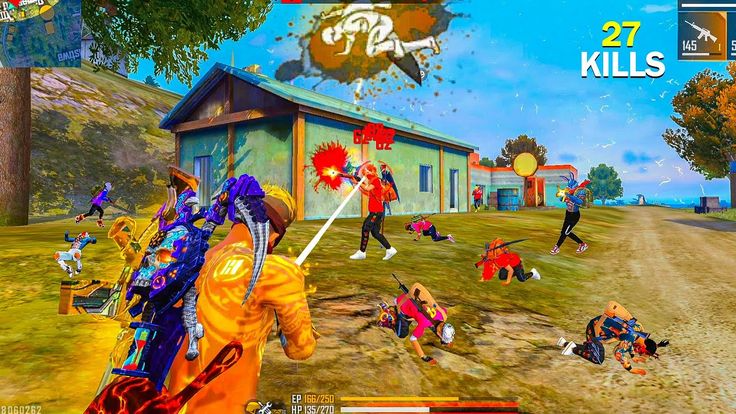
The entry barrier for Free Fire has disappeared. You no longer need a next-gen mobile or a Gaming PC. With CloudMoon, the battlefield is just a click away.
Ready for the Booyah without installations?
149
7
Other news you might be interested in
Etiquetas


