
'/%3e%3cpath%20d='M4.94162%205.99547L4.02701%205.08086L3.63428%205.47359L4.94162%206.78093L7.63768%204.08487L7.24495%203.69214L4.94162%205.99547Z'%20fill='white'/%3e%3cdefs%3e%3clinearGradient%20id='paint0_linear_2302_10195'%20x1='0.5'%20y1='10'%20x2='10.4939'%20y2='10'%20gradientUnits='userSpaceOnUse'%3e%3cstop%20stop-color='%234E10FF'/%3e%3cstop%20offset='1'%20stop-color='%23AB17DF'/%3e%3c/linearGradient%3e%3c/defs%3e%3c/svg%3e)
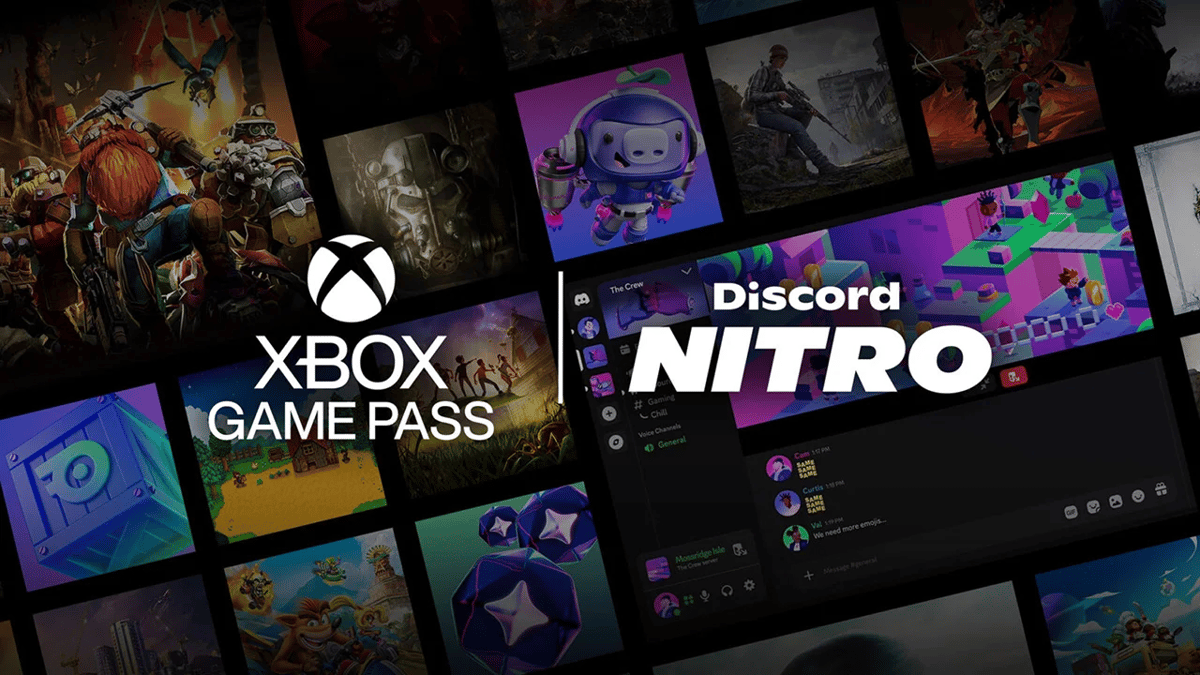
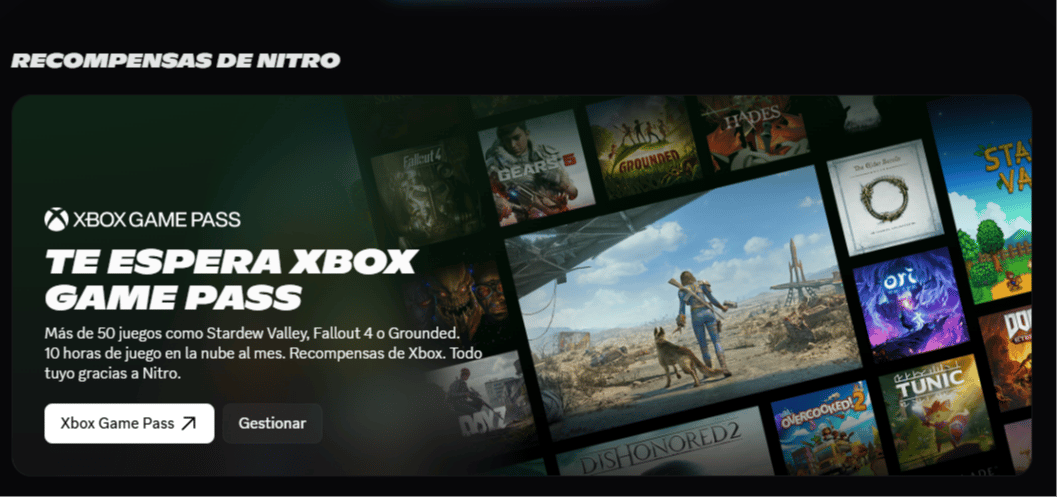
Microsoft and Discord teamed up this May so that Xbox Game Pass is now included in your Discord Nitro subscription. The best part is that this change doesn't mean you'll be charged more; your membership price stays exactly the same as before.
This move aims to make trying new games much easier and turn Nitro into that must-have tool if you spend a lot of time gaming.
What does Xbox Game Pass Essential offer?
With this new "Starter Edition," you get access to several cool things without spending an extra dime:
- Game Library: You can choose from over 50 titles for both PC and console.
- Cloud Gaming: You have 10 hours to play via streaming if you don't feel like downloading anything.
- Play Button: You'll now see a direct button on Discord to join a friend's game if they're playing a Game Pass title.
- No friction: You jump into the action instantly without having to close the app.
Your OLA account is worth prizes
Play the Claw, hunt the treasure and redeem in the Store. Creating an account is free.
Create my account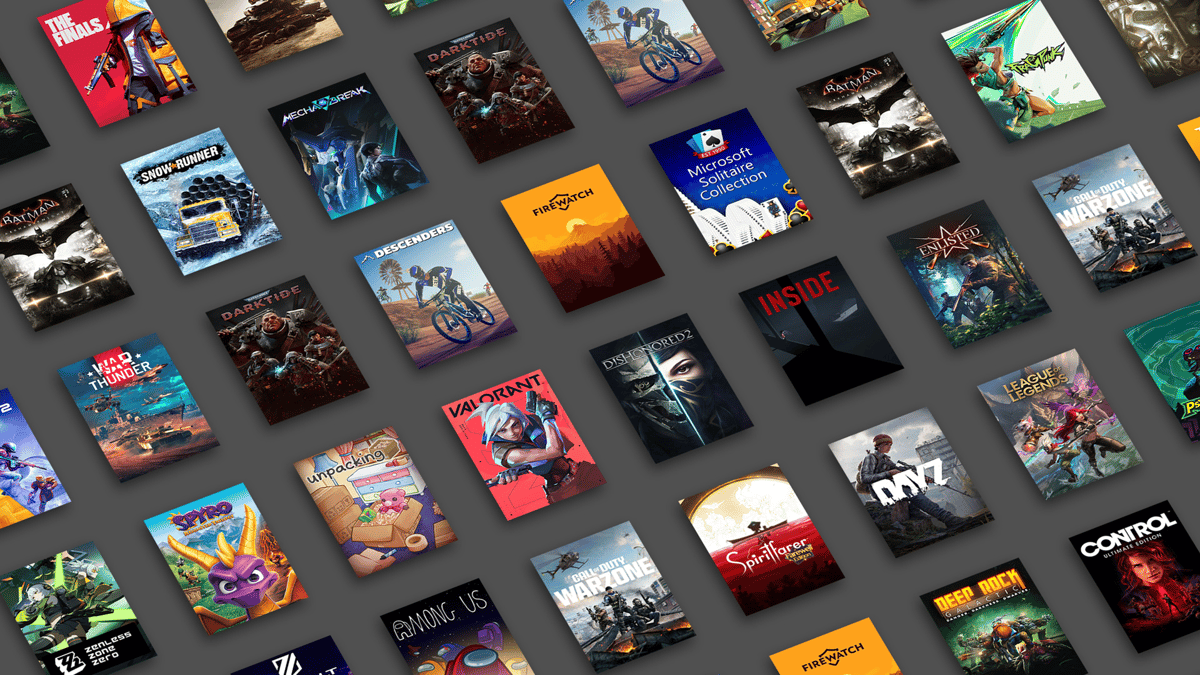
Additional benefits
On top of the Game Pass subscription, Discord is giving away some incentives during May:
- Discord Orbs: You get 250 Orbs every month.
- Extra Perks: A 1.2x multiplier to earn more Orbs while completing activities and discounts in the Discord Shop.
How to activate your benefit step-by-step
To start using Game Pass from your Nitro account, just follow these simple steps:
- Link your account: Make sure your Xbox account is linked to your Discord profile.
- Nitro Section: Go to the Nitro section directly in your Discord app.
- Check your perks: Look through your membership benefits list, and you should see the Xbox Game Pass option there.
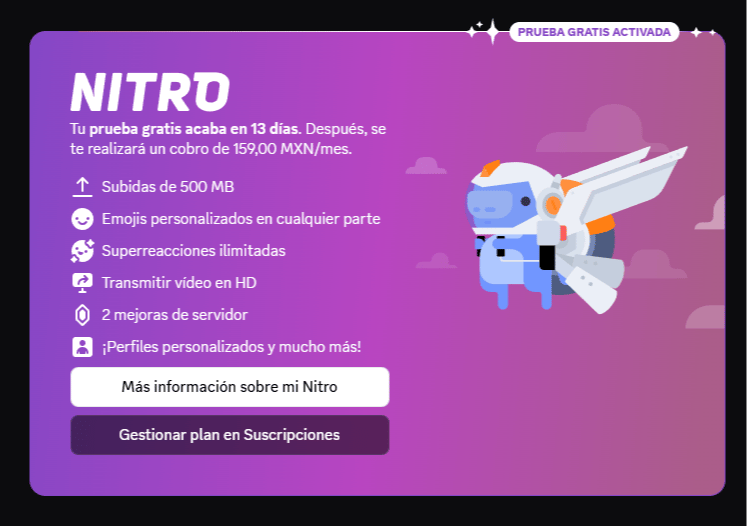
Keep this in mind: Since you have Nitro, the Game Pass benefit activates automatically after a while. If you don't see it on your list yet, don't worry; it might take a bit to show up in your available perks.
Nitro still keeps its technical features
Beyond the games, remember that Nitro still offers the same improvements to make your profile and streams look better:
- High-quality streaming: You can share your screen in 4K and at 60 FPS.
- Large files: It lets you upload files up to 500 MB without any issues.
- Customization: You have total freedom to use animated emojis, banners, and different profiles for each server.
Have you checked your Nitro section to activate Game Pass yet? Tell us how it's working for you at OLA!
3
0
Other news you might be interested in
Etiquetas


