
'/%3e%3cpath%20d='M4.94162%205.99547L4.02701%205.08086L3.63428%205.47359L4.94162%206.78093L7.63768%204.08487L7.24495%203.69214L4.94162%205.99547Z'%20fill='white'/%3e%3cdefs%3e%3clinearGradient%20id='paint0_linear_2302_10195'%20x1='0.5'%20y1='10'%20x2='10.4939'%20y2='10'%20gradientUnits='userSpaceOnUse'%3e%3cstop%20stop-color='%234E10FF'/%3e%3cstop%20offset='1'%20stop-color='%23AB17DF'/%3e%3c/linearGradient%3e%3c/defs%3e%3c/svg%3e)
Hollow Knight, the title developed by Team Cherry, will receive an optimized edition for Nintendo Switch 2, available at no additional cost for players who already own the game on the original Nintendo Switch. This update is part of Nintendo’s transition to its new console and aims to improve the game’s technical performance without altering its original content.
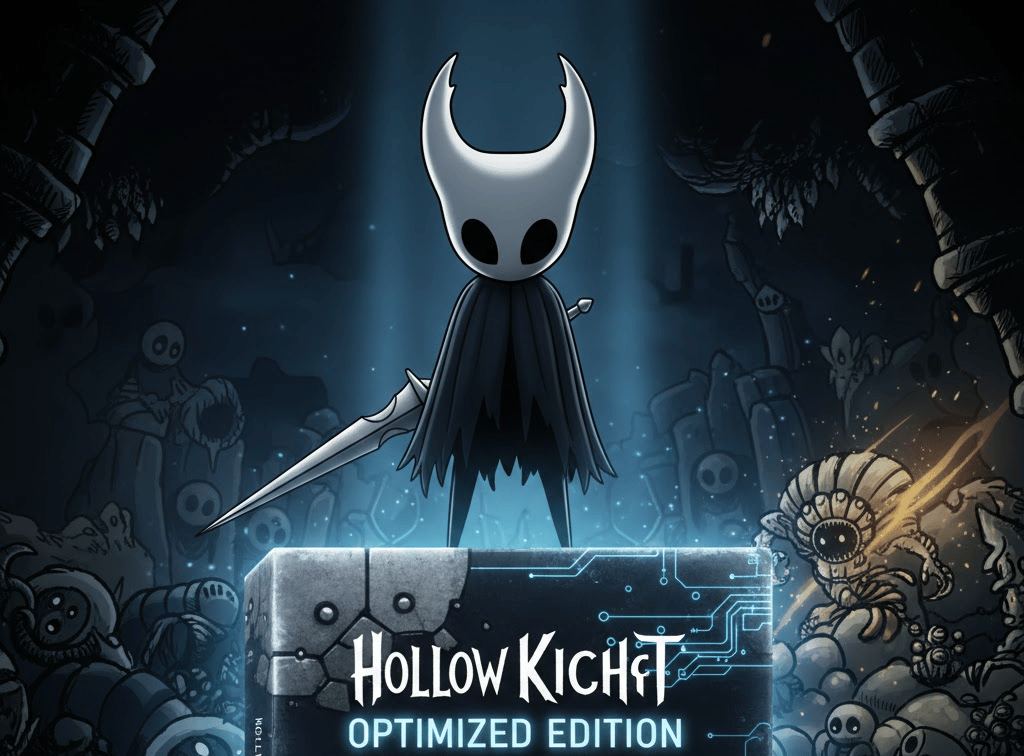
Below is a detailed explanation of what this update includes, who is eligible to access it, how to download it step by step, and what players should consider before starting the process.
What does the free Switch 2 update include?
The version known as Hollow Knight – Nintendo Switch 2 Edition is a technical adaptation of the original game designed to take advantage of the new hardware. It does not add narrative content, new areas, or gameplay changes, but instead focuses on improving performance and visual quality.
Reported technical improvements include:
- Greater stability in frame rate.
- Higher resolutions compared to the original Switch version.
- Visual adjustments aimed at a smoother and more consistent presentation.
Your OLA account is worth prizes
Play the Claw, hunt the treasure and redeem in the Store. Creating an account is free.
Create my accountThese improvements are applied automatically when running the game on Nintendo Switch 2 after downloading the corresponding version.
Who is eligible for the update?
The free update is available exclusively to users who already own Hollow Knight on Nintendo Switch. To ensure the system recognizes eligibility for the download, the following conditions must be met:
- The game must be linked to a valid Nintendo Account.
- The download must be performed on a Nintendo Switch 2.
- An internet connection is required to verify ownership through the eShop.
If the game was purchased digitally, verification is handled automatically. For physical editions, the process may vary depending on Nintendo’s policies and how the title was registered.
How to download the free update step by step
The process is similar to other cross-generation updates on Nintendo consoles.
Sign in with the correct account
The first step is to sign in on the Nintendo Switch 2 using the same Nintendo Account that was used to purchase or download Hollow Knight on the original Switch. If a different account is used, the eShop will not enable the free download.
Access the Nintendo eShop
From the console’s main menu, open the Nintendo eShop and ensure the system is connected to the internet.
Locate Hollow Knight
Once inside the store, search for Hollow Knight using the search bar and open the game’s store page.
If the account meets the requirements, the eShop will display the option to download the optimized version or update the game at no cost.
Start the download
After selecting the appropriate option, the console will begin downloading the optimized version for Switch 2. Once the process is complete, the game will automatically run in its enhanced edition when launched from the main menu.
Things to consider before updating
Physical copies
Players who own Hollow Knight in physical format may need to insert the cartridge into the console or have previously registered the game to their account. Access to the update depends on how Nintendo manages the link between the cartridge and the user’s account.
Save data and progress
At this time, it has not been officially confirmed whether the update allows save data to be transferred from the original Switch to the Switch 2. While Nintendo typically offers data migration tools, players should verify this through cloud save options or system data transfer features.
7
0
Other news you might be interested in
Etiquetas


