
'/%3e%3cpath%20d='M4.94162%205.99547L4.02701%205.08086L3.63428%205.47359L4.94162%206.78093L7.63768%204.08487L7.24495%203.69214L4.94162%205.99547Z'%20fill='white'/%3e%3cdefs%3e%3clinearGradient%20id='paint0_linear_2302_10195'%20x1='0.5'%20y1='10'%20x2='10.4939'%20y2='10'%20gradientUnits='userSpaceOnUse'%3e%3cstop%20stop-color='%234E10FF'/%3e%3cstop%20offset='1'%20stop-color='%23AB17DF'/%3e%3c/linearGradient%3e%3c/defs%3e%3c/svg%3e)
Minecraft allows the use of commands and cheats that make many tasks within the game easier. These commands remain valid in 2026, although their behavior may vary depending on the version and platform.
On PC and mobile, they are generally available, while on consoles some commands may not be enabled. Additionally, on specific servers, certain commands may not work or may be modified.

Important aspects before using commands
Before getting started, it is important to keep the following in mind:
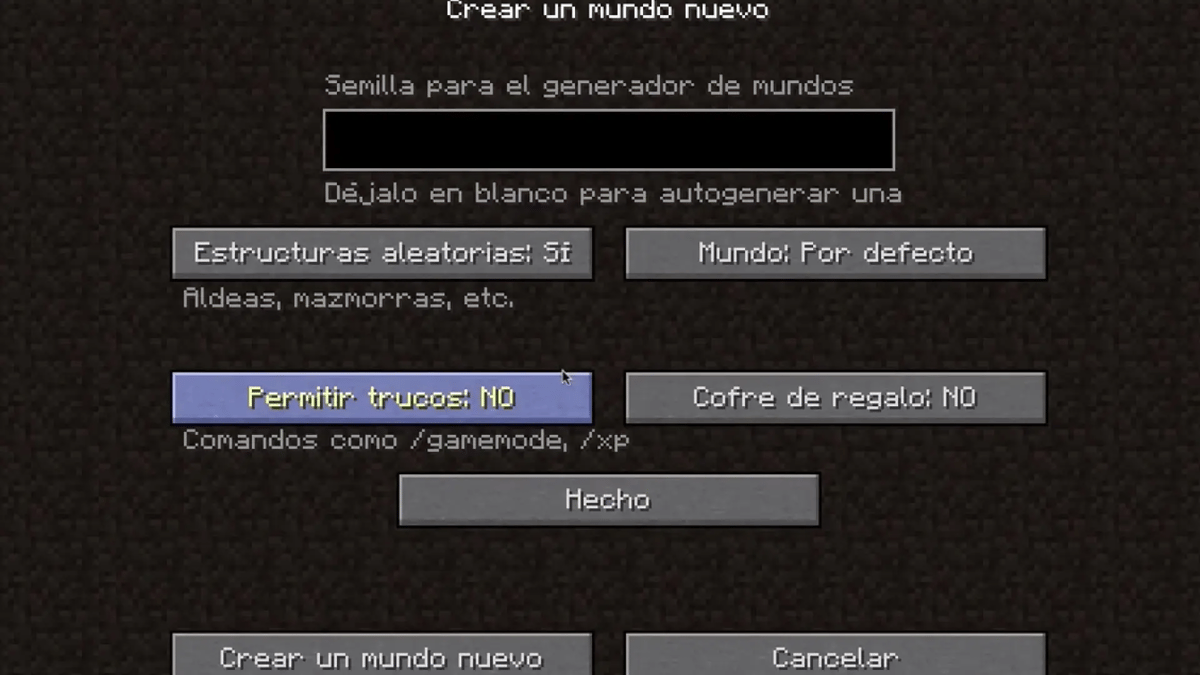
- When creating a world, the game asks whether you want to enable cheats. To use them, you must accept.
- If cheats are enabled, achievements cannot be unlocked in that world.
- On public servers, the use of commands may be restricted.
- Due to the changes the game has undergone over the years, some commands may change or stop working depending on the version.
How to enter commands in Minecraft
There is no need to open a special console. Commands are written directly in the in-game chat.
- On PC, the chat is opened by pressing the T key.
- On the mobile version, there is a specific button to open the chat.
All commands start with / and must be written exactly as shown, respecting spaces, underscores, uppercase and lowercase letters.
Your OLA account is worth prizes
Play the Claw, hunt the treasure and redeem in the Store. Creating an account is free.
Create my account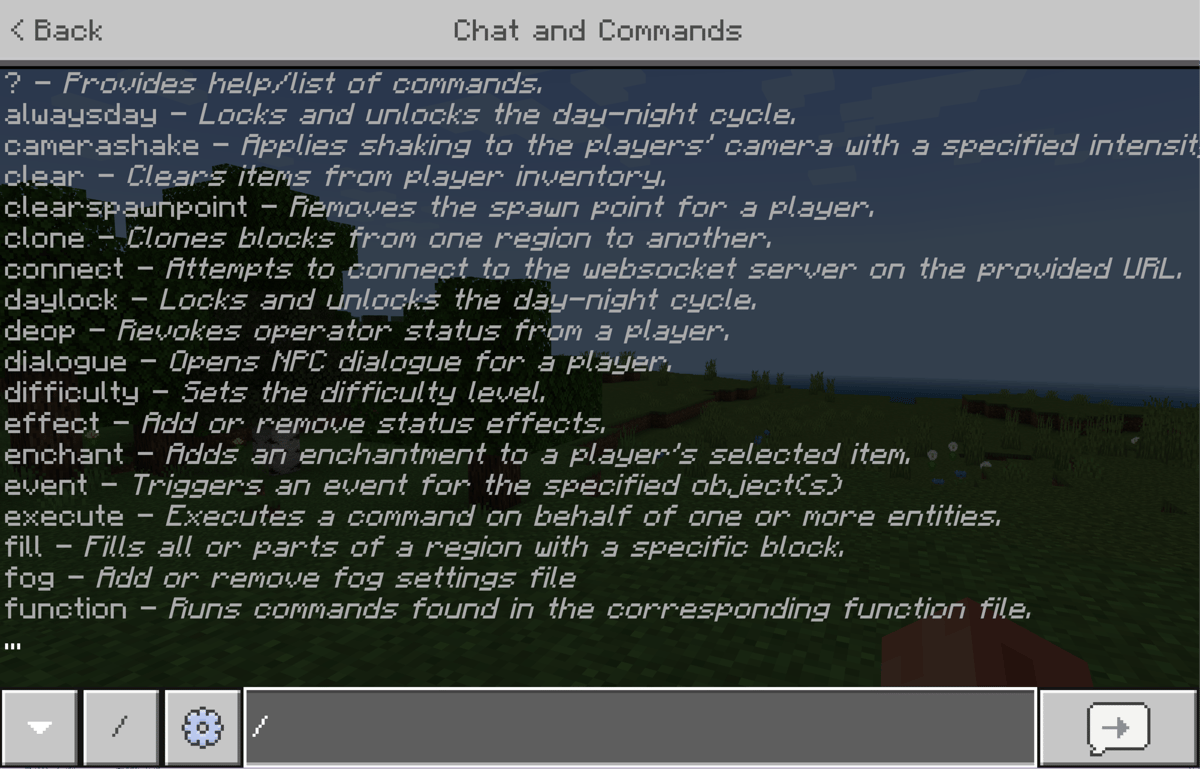
List of available parameters
Parameters allow commands to be applied to different entities in the game world:
- @p: nearest player
- @r: random player
- @a: all players
- @e: all entities
- @s: the entity executing the command
Game mode cheats
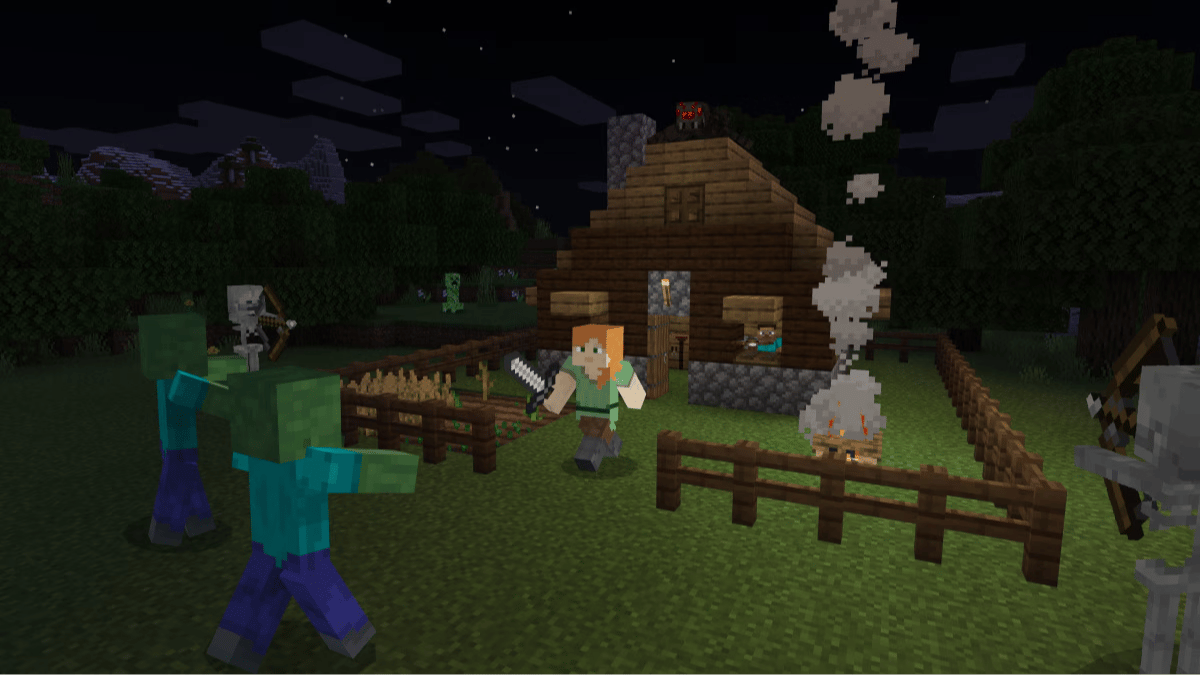
/gamemode 0→ Survival Mode/gamemode 1→ Creative Mode/gamemode 2→ Adventure Mode/gamemode 3→ Spectator Mode
Cheats to change difficulty
/difficulty peaceful→ Peaceful/difficulty easy→ Easy/difficulty normal→ Normal/difficulty hard→ Hard
Cheats for time of day
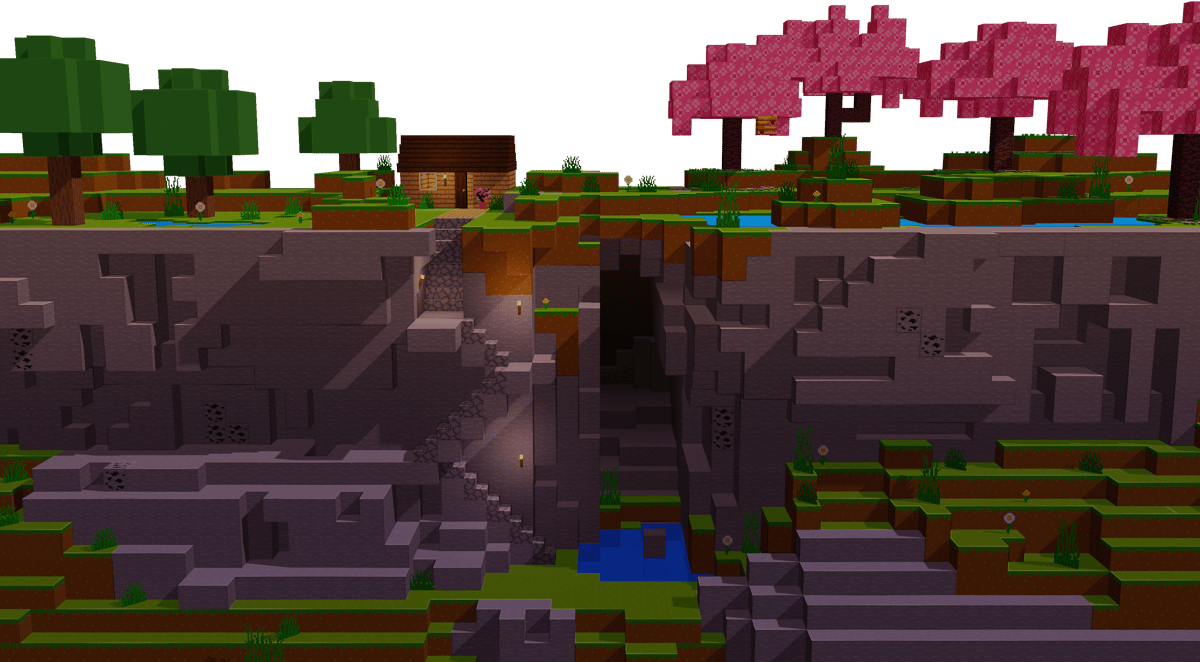
/time set day→ Day/time set night→ Night/time set 18000→ Midnight/time set 12000→ Sunset/time set 6000→ Midday/time set 0→ Sunrise/gamerule doDaylightCycle false→ Stops time progression/time query gametime→ Shows the world time
Cheats to change the weather
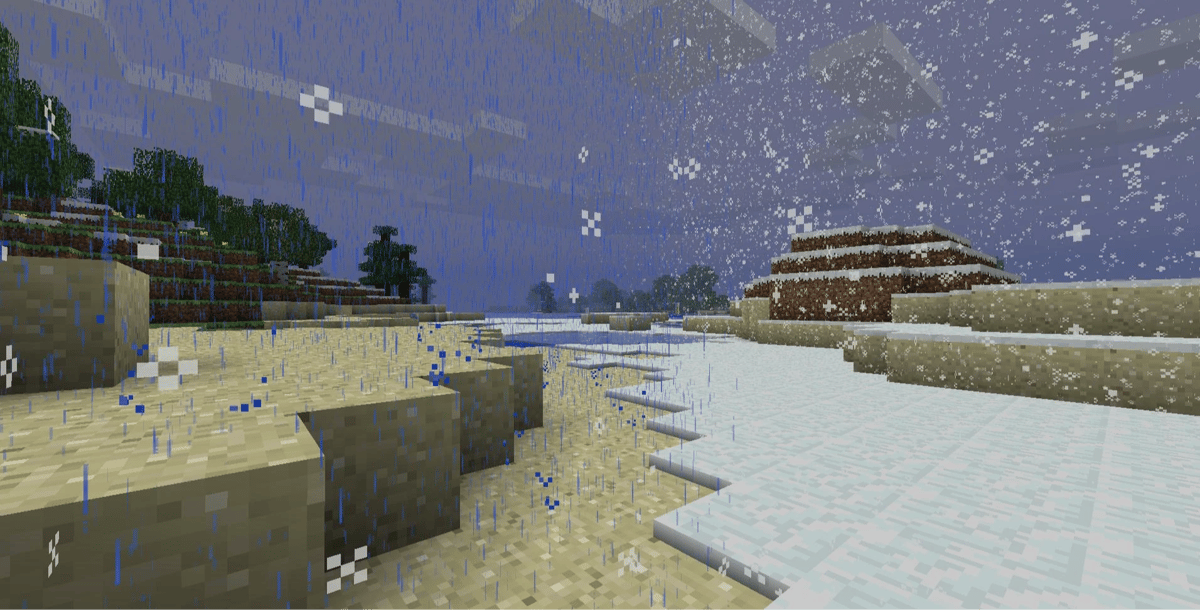
/weather clear→ Clear weather/weather rain→ Rain/weather thunder→ Thunderstorm/gamerule doWeatherCycle false→ Keeps the current weather
Enchanting items
Command:
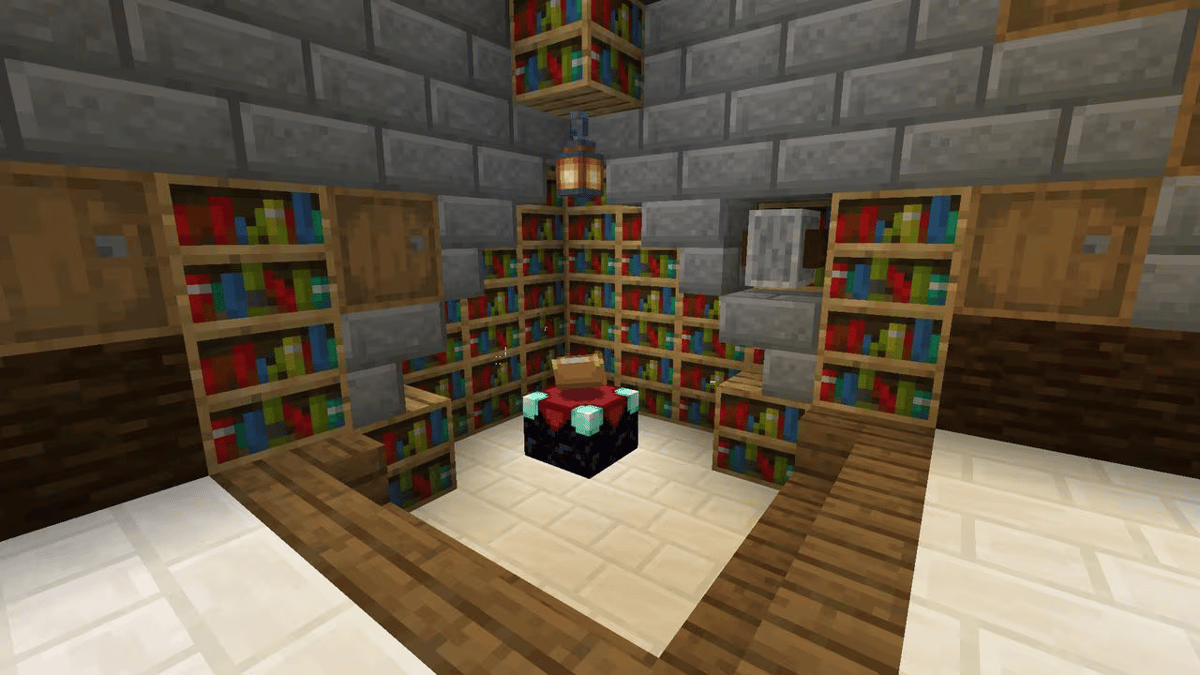
/enchant playername enchantmentname level
Important details:
playername: the player's name.enchantmentname: the enchantment name in English or its in-game ID.level: enchantment level (optional).
Example:
/enchant SaiSaEr fire_protection 3
Getting any item
Command:
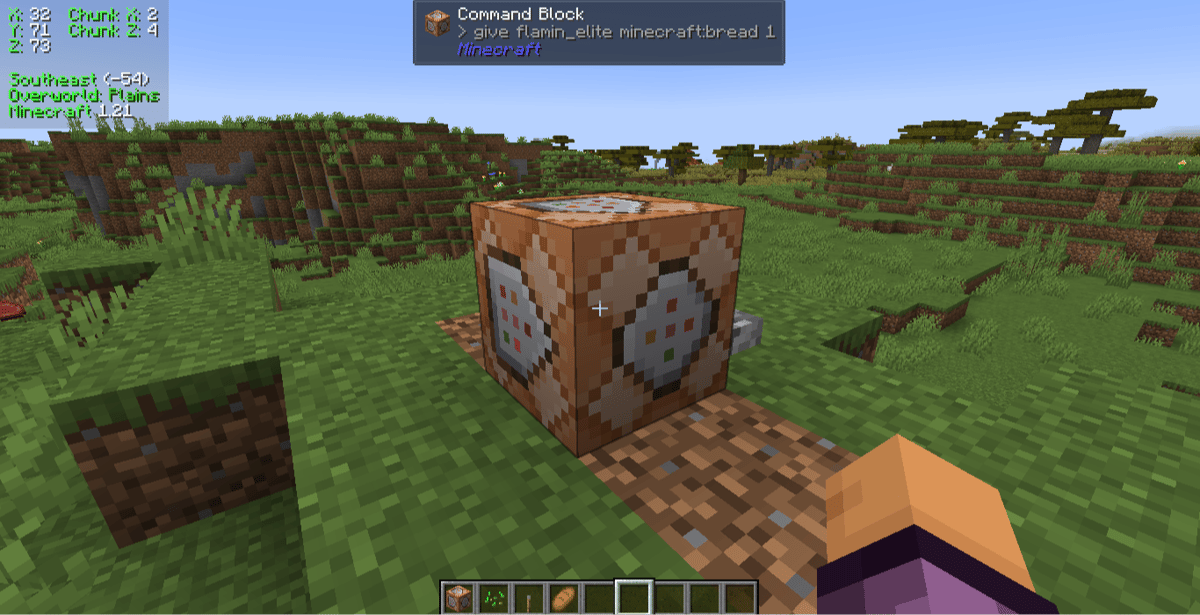
/give playername itemname amount
Example items:
diamond_blockiron_helmetdiamond_pickaxe
The game includes autocomplete to make typing easier.
Summoning creatures and NPCs
Command:
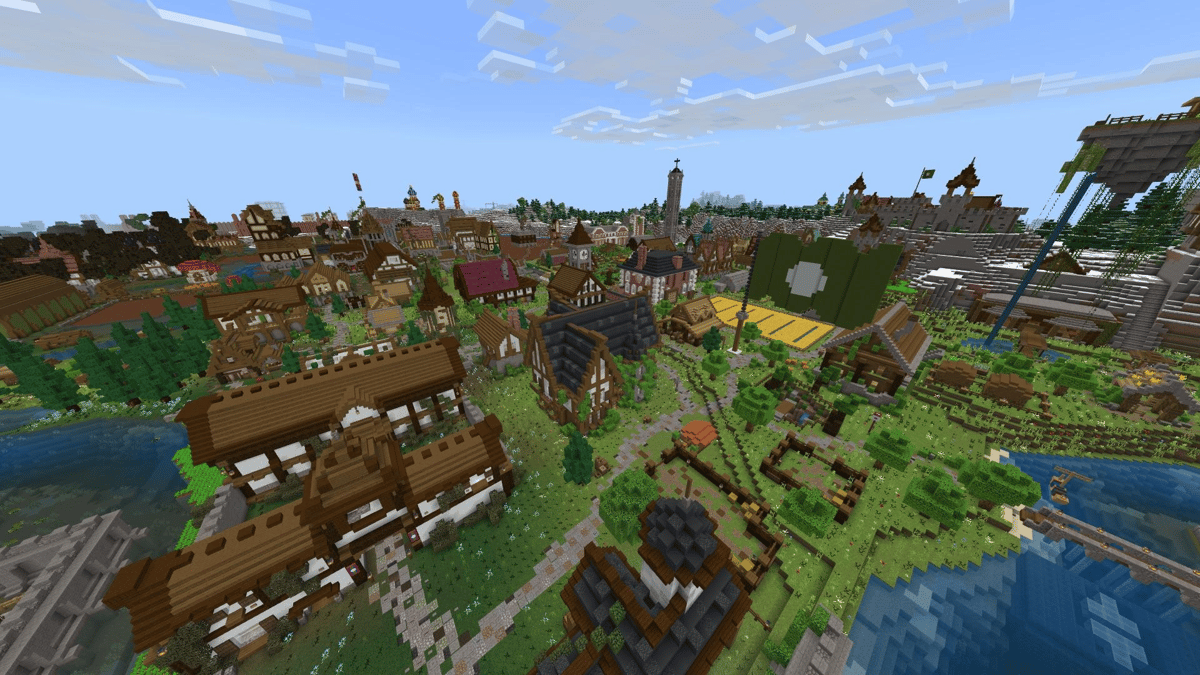
/summon name X Y Z
Coordinates are optional. If they are not included, the entity will appear next to the player.
Example names:
skeletonpighorsespidercreeper

Teleporting
Teleport by coordinates
/teleport playername X Y Z
This can be dangerous if incorrect heights are used.
Horizontal teleport
/teleport playername ~X ~Y
Allows long-distance travel without changing height, although there is a risk of appearing inside blocks or lava.
Example:
/teleport SaiSaEr ~-17 ~54
Other useful cheats and commands
/ability→ Manages abilities/advancement→ Controls advancements/attribute→ Modifies attributes/ban,/ban-ip,/banlist→ Ban management/bossbar→ Manages boss bars/clear→ Clears the inventory/clone→ Copies blocks/effect→ Applies status effects/fill→ Fills areas with blocks/kill→ Eliminates entities/loot→ Drops items/opand/deop→ Operator control/gamerule keepInventory true→ Keeps inventory after death/experience add→ Adds experience/seed→ Shows the world seed/save-all→ Saves the world/worldborder→ Manages the world border

These commands allow players to modify almost any aspect of the game and remain a key tool for those who want to experiment, build, or test mechanics without limitations in Minecraft throughout 2026.
2
0
Other news you might be interested in
Etiquetas


