Aprende a Crear tu Wallet MetaMask desde Cero: Guía Paso a Paso para Principiantes

DairSS
'/%3e%3cpath%20d='M4.94162%205.99547L4.02701%205.08086L3.63428%205.47359L4.94162%206.78093L7.63768%204.08487L7.24495%203.69214L4.94162%205.99547Z'%20fill='white'/%3e%3cdefs%3e%3clinearGradient%20id='paint0_linear_2302_10195'%20x1='0.5'%20y1='10'%20x2='10.4939'%20y2='10'%20gradientUnits='userSpaceOnUse'%3e%3cstop%20stop-color='%234E10FF'/%3e%3cstop%20offset='1'%20stop-color='%23AB17DF'/%3e%3c/linearGradient%3e%3c/defs%3e%3c/svg%3e)
hace 8 meses
48
1
0
MetaMask es una billetera digital que permite almacenar criptomonedas, interactuar con NFTs y aplicaciones descentralizadas (dApps) en Ethereum y otras blockchains compatibles con EVM, como Polygon, Binance Smart Chain y Avalanche.
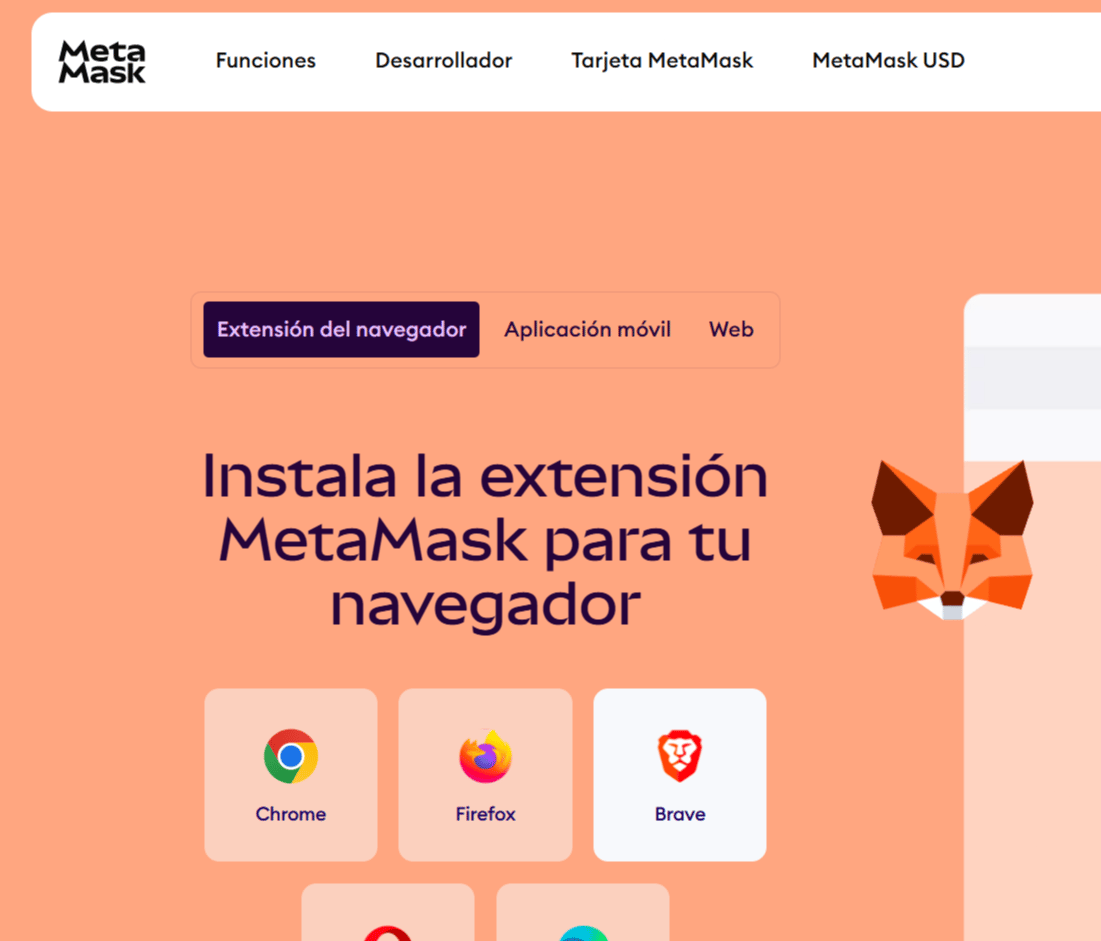
Paso 1: Entrar al sitio oficial de MetaMask
Ve a metamask.io y haz clic en "Download".
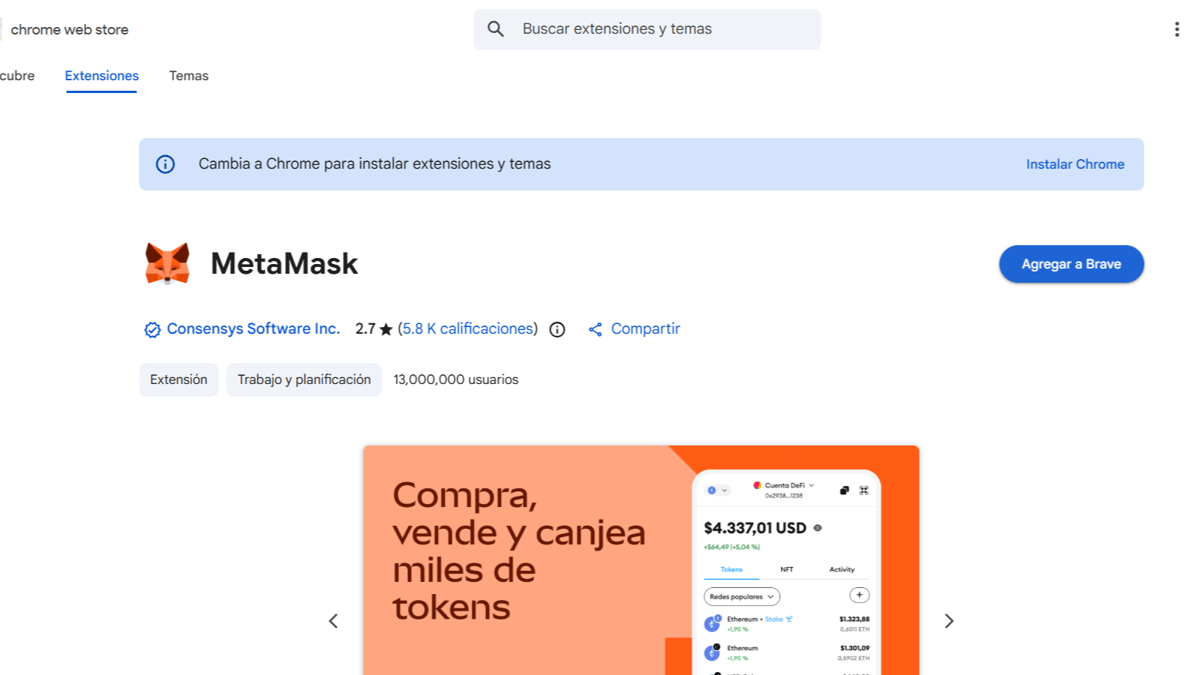
Esto te redirigirá a la Chrome Web Store, donde instalarás la extensión.
Tu cuenta de OLA vale premios
Juega La Garra, busca el tesoro y canjea en la Tienda. Crear la cuenta es gratis.
Crear mi cuentaPaso 2: Instalar la extensión
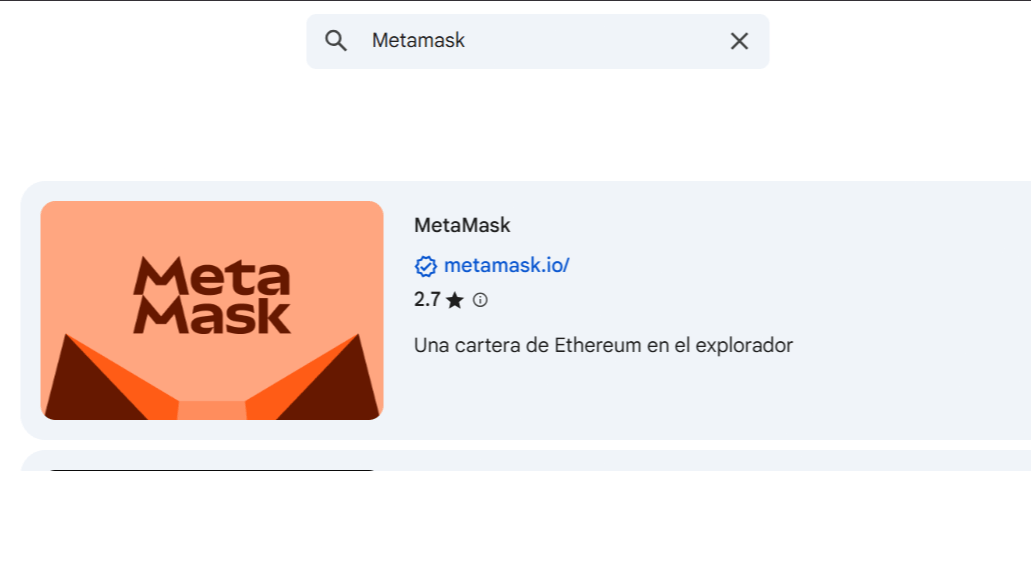
Una vez en la página, podrás ver la extensión de MetaMask. Asegúrate de estar descargando la correcta, verificando la URL del sitio.
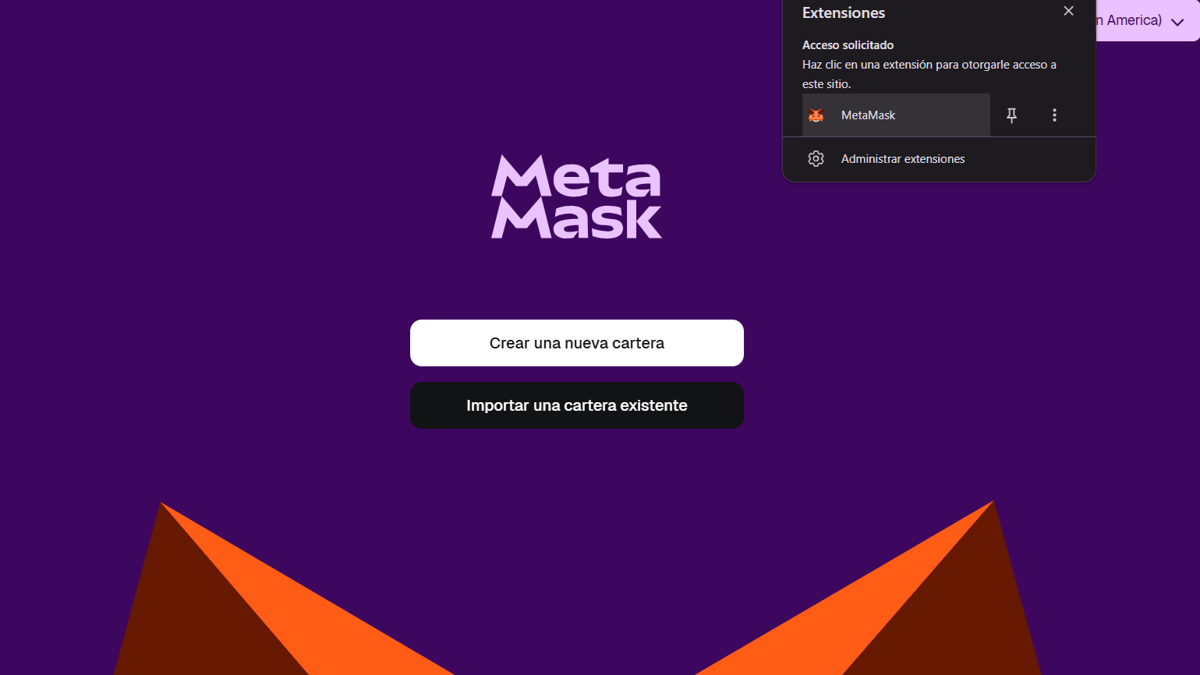
Cuando confirmes que estás en el lugar correcto, haz clic en "Agregar" (la etiqueta puede variar según el navegador: Chrome, Brave o Firefox). Verás el progreso de la descarga en la esquina superior derecha del navegador. Una vez finalizado, se abrirá automáticamente la billetera. Si cerraste la página, puedes acceder desde el apartado de extensiones de tu navegador.
Paso 3: Empezar la configuración
Abre MetaMask y haz clic en "Empezar", seguido de "Crear una billetera nueva".
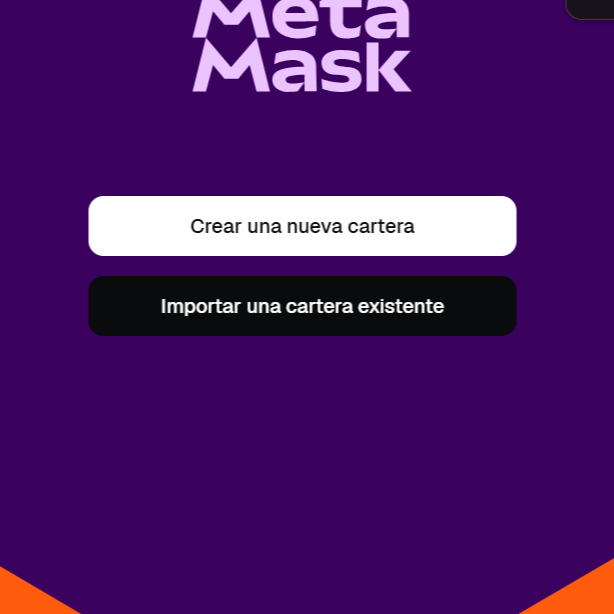
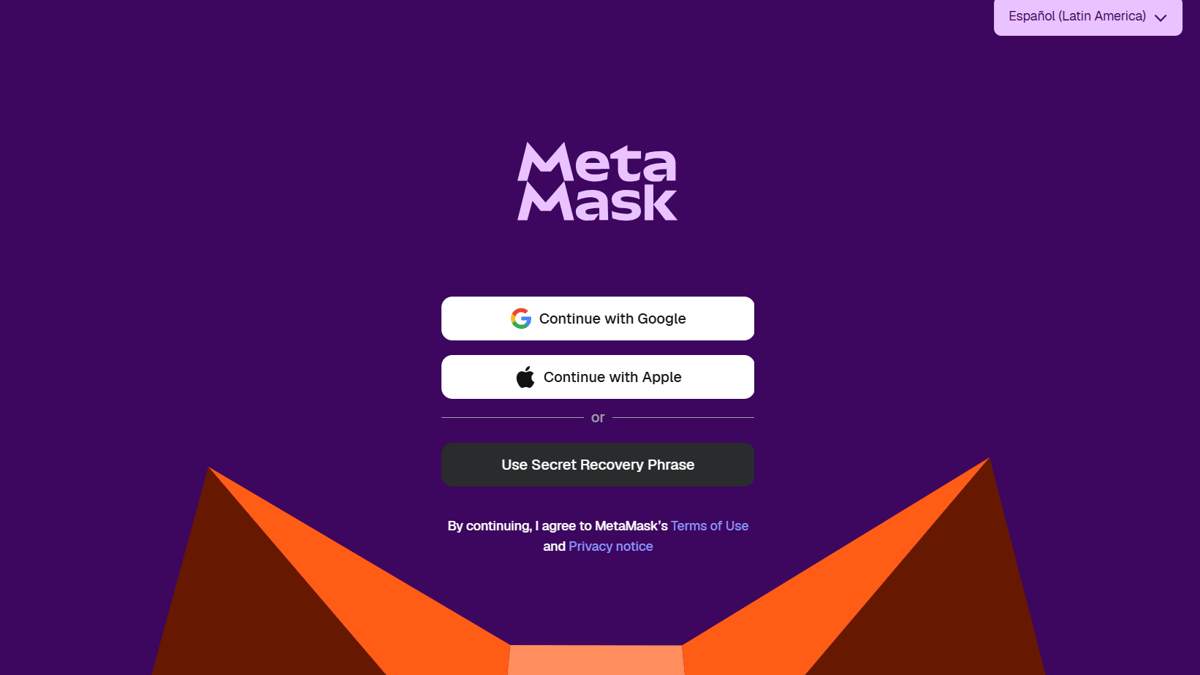
Existen tres métodos de creación de cuenta. En este caso, usaremos la opción de creación con frase de recuperación.
Paso 4: Crear contraseña
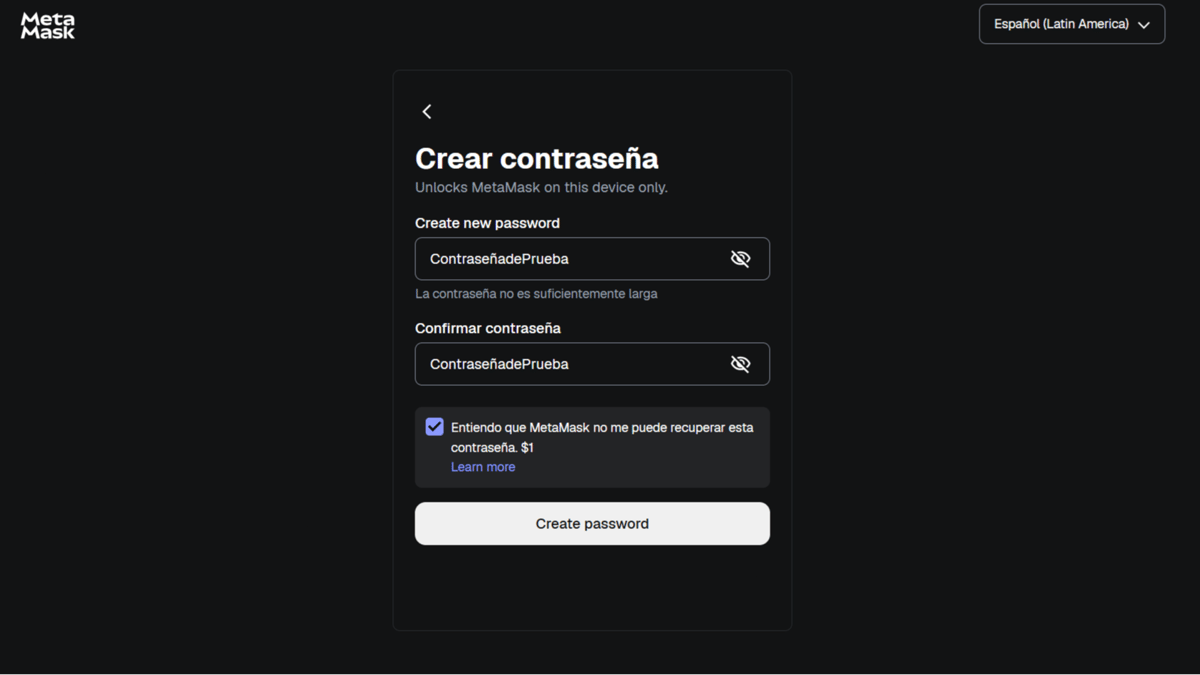
Ingresa una contraseña segura (mínimo 8 caracteres) y confírmala. Marca la casilla que indica que entiendes que MetaMask no puede recuperar tu contraseña. Finalmente, haz clic en "Crear" para continuar.
Paso 5: Guardar la frase de recuperación
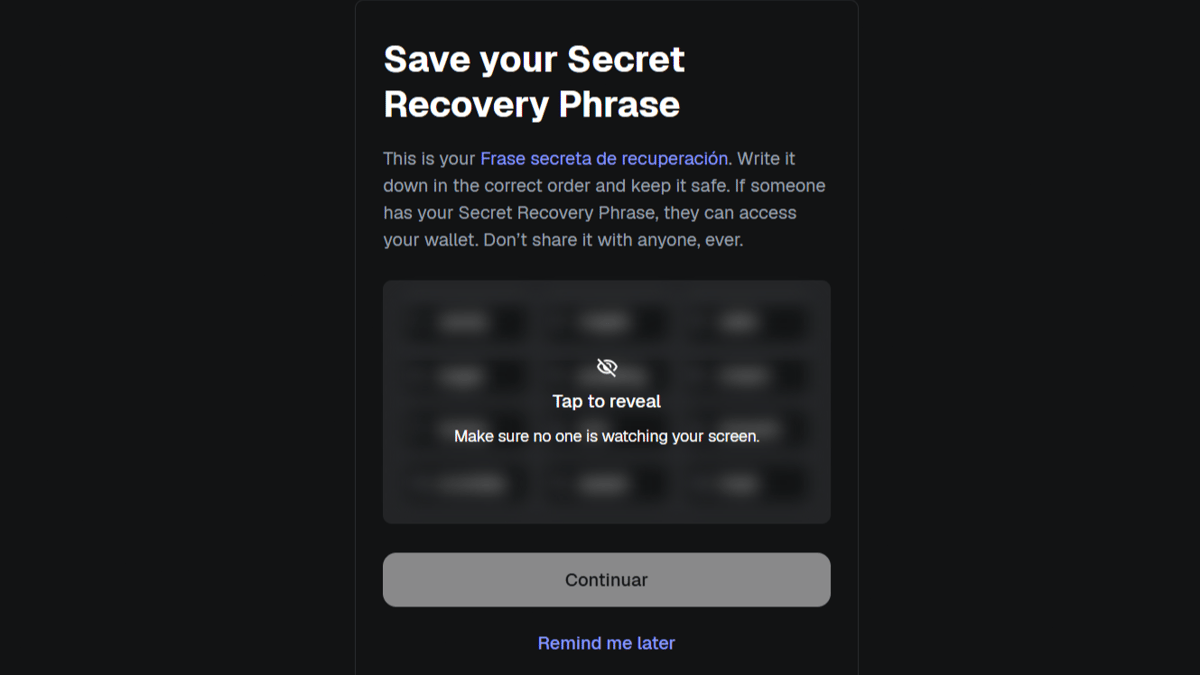
Haz clic en "Revelar palabras secretas" y anótalas en papel. Asegúrate de escribirlas correctamente, ya que estas palabras son esenciales para recuperar tu billetera.
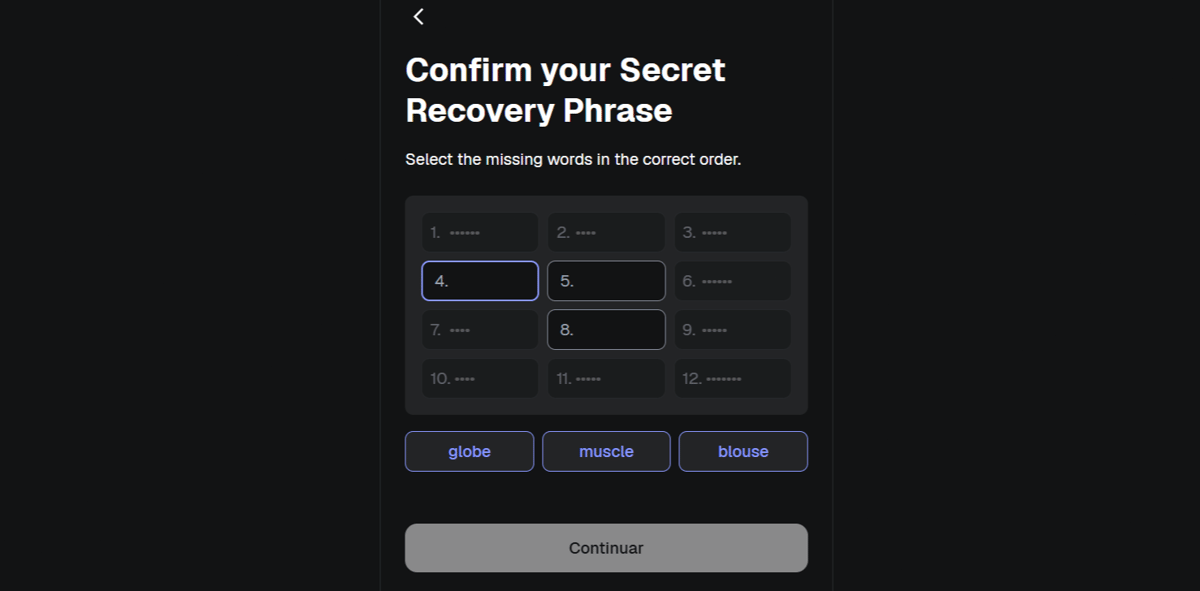
Paso 6: Confirmar frase de recuperación
Selecciona las palabras en el orden correcto para verificar que las tienes anotadas.
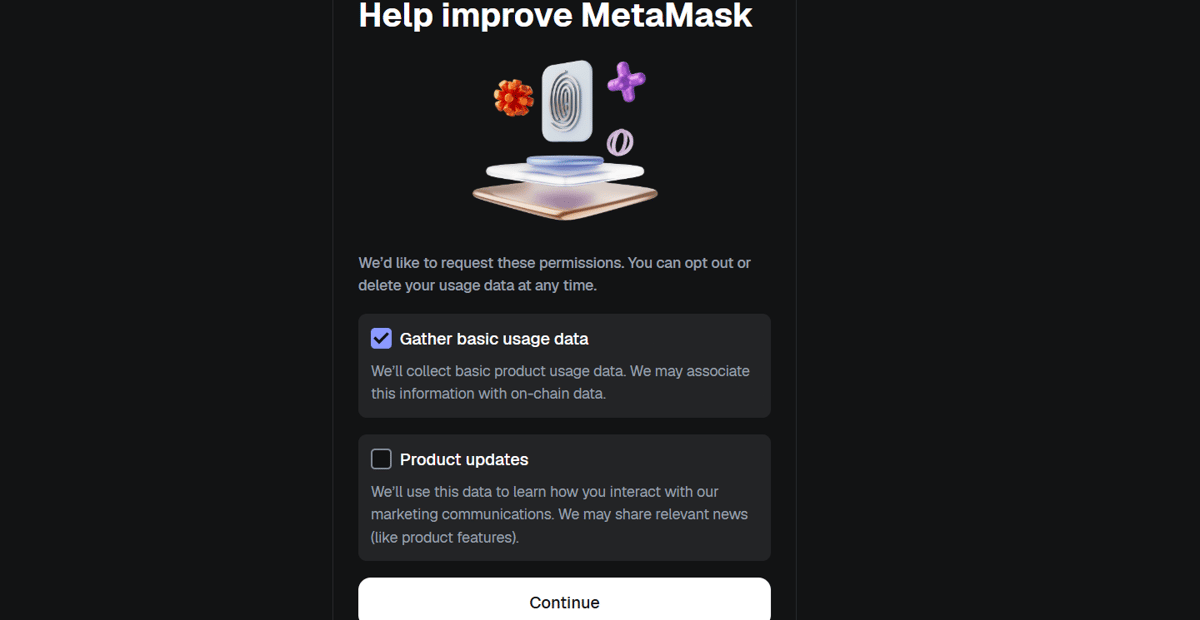
Paso 7: Enviar datos anónimos (opcional)
Elige si deseas ayudar a mejorar MetaMask enviando datos anónimos para mejorar el rendimiento, la seguridad y la experiencia del usuario. Puedes desactivar esta opción si no te interesa.
Importante a destacar:
- Los datos recopilados no están asociados a tu identidad personal ni a la dirección de tu billetera.
- No se envía ni almacena tu frase de recuperación, claves privadas ni contraseña.
- Puedes desactivar esta función en cualquier momento desde Configuración > Privacidad.
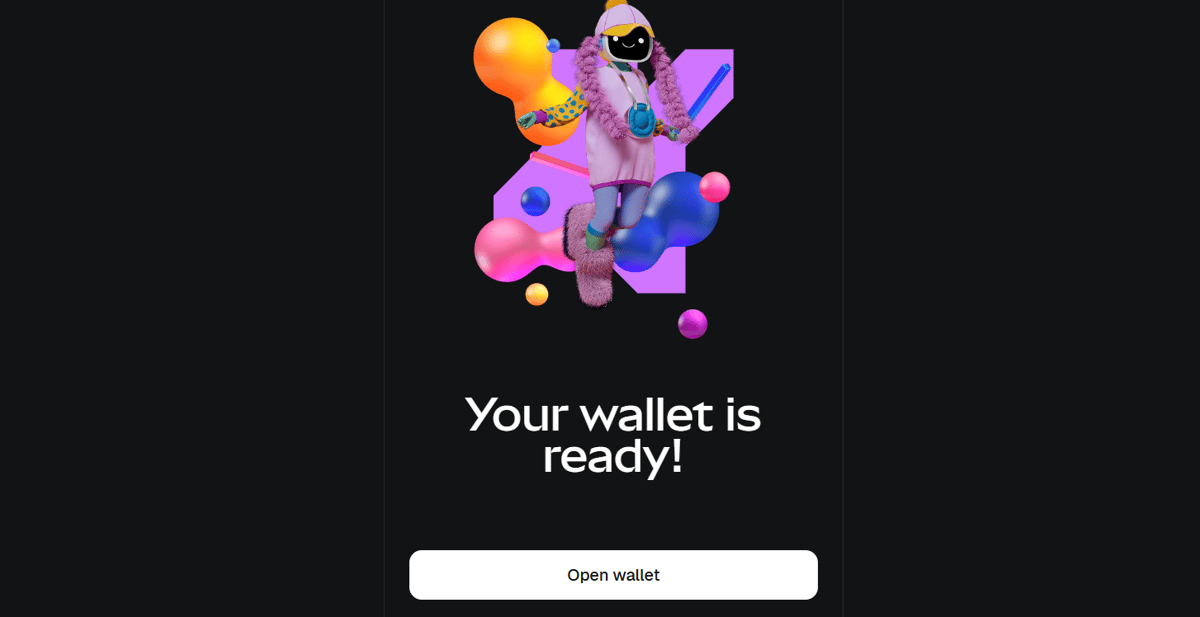
Paso 8: ¡Listo! Accede a tu billetera
Has completado el proceso de creación de la billetera.
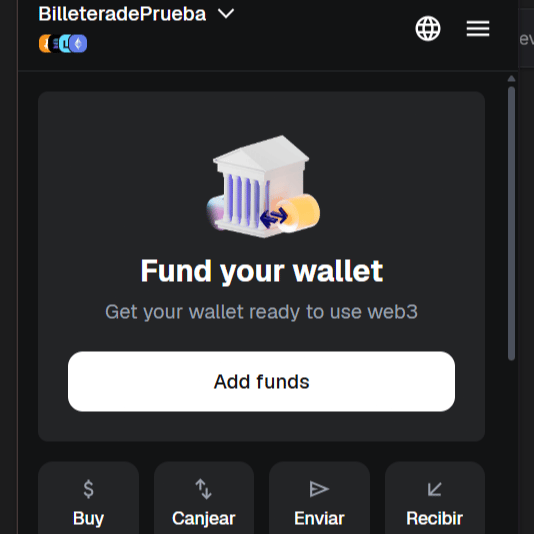
Ya puedes visualizar tu saldo y tu dirección pública (0x...).
1
0
Otras novedades que podrían interesarte
Etiquetas


